OpenAI’s Sora API Shutdown: What to Do Before September 24
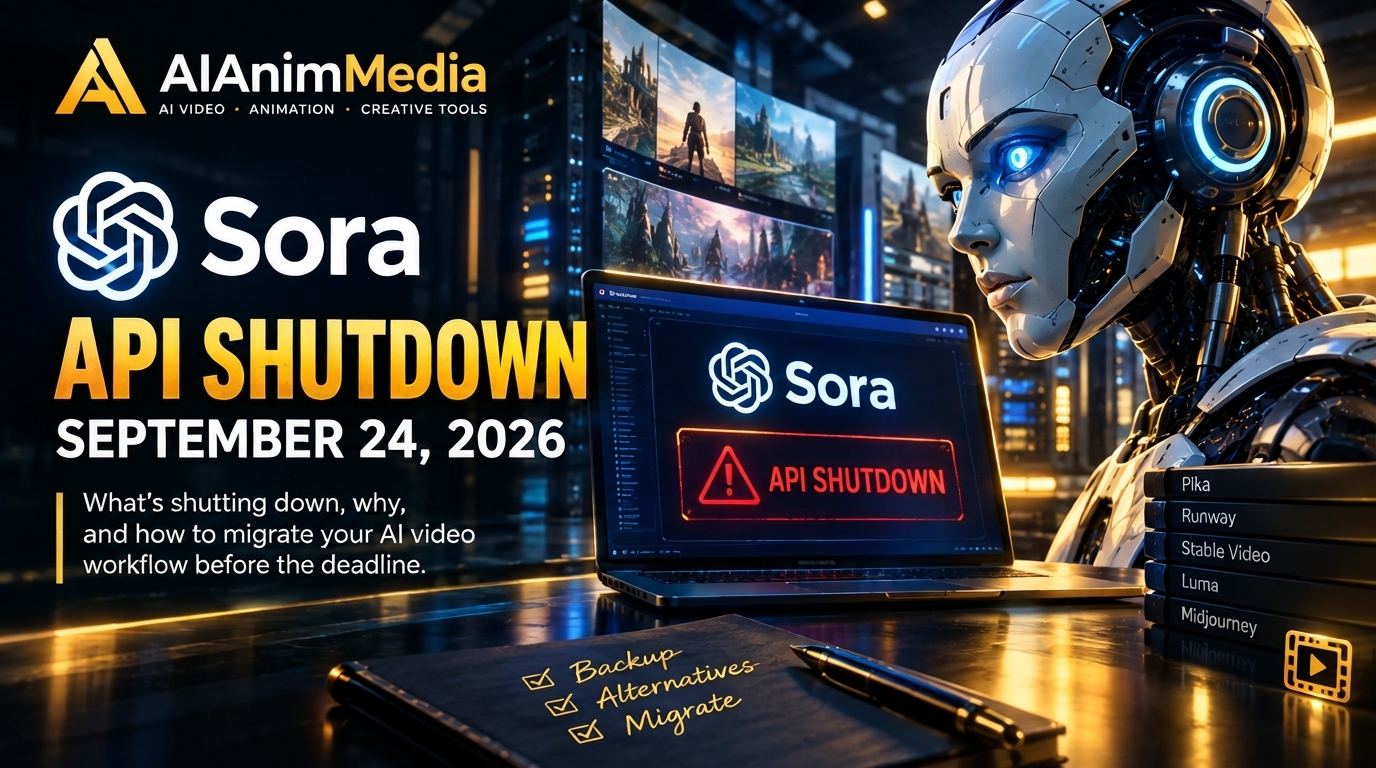
The Sora API shutdown is scheduled for September 24, 2026. OpenAI will permanently discontinue the Sora API, and there will be no consumer app to fall back on—the Sora web and mobile apps were already discontinued in April.
If you’re a developer, platform builder, or content creator whose workflow depends on Sora, the Sora API shutdown requires immediate preparation.
Table of Contents
What the Sora Api Shutdown Means for Developers
OpenAI announced this as a two-stage shutdown back in March 2026, and it’s worth separating the two dates because a lot of people still mix them up:
- April 26, 2026 — The Sora web app and mobile apps were discontinued. This is the consumer-facing side: sora.chatgpt.com and the iOS/Android apps.
- September 24, 2026 — The Sora API is discontinued. This includes the Sora 2 and Sora 2 Pro endpoints, the Videos API, and every model snapshot tied to them.
The consumer app has been gone for months at this point. What’s ending now is the part that third-party platforms, indie developers, and automated pipelines have quietly been running on ever since — any tool that let you generate Sora videos without going through OpenAI’s own app was almost certainly calling the API.
Once September 24 hits, none of that works anymore. No workarounds, no legacy access, no grace period beyond what’s already been announced.
Why Is OpenAI Killing It?
OpenAI hasn’t published a detailed breakdown, but the reasoning that’s circulated among developers points to two things: the compute cost of running Sora at scale was enormous, and the legal exposure around Sora 2’s training data became harder to justify as competition from Seedance, Kling, and Veo caught up on quality for a fraction of the cost.
Notably, OpenAI hasn’t named a direct successor for video generation. Their deprecation page points developers toward gpt-image-1 for image work, but there’s no equivalent recommendation for video. That’s left Sora-dependent developers to find their own replacement — which is really the whole problem this post is here to solve.
What Happens to Your Existing Content
If you’ve got videos sitting in a Sora library, this part is straightforward but time-sensitive:
- Go to your Sora export page, request an export, and wait for the download email.
- Once you have the ZIP file, your content is safe — it’s yours regardless of what OpenAI does next.
- Anything left on OpenAI’s servers after the shutdown date is not guaranteed to be recoverable. OpenAI has been explicit that account data gets permanently deleted once the cutoff passes.
Translation: don’t wait until September 23rd to remember this.

What to Use Instead
This is the part that actually matters for your workflow going forward. A few models have absorbed most of the traffic moving off Sora, and they’re not identical trade-offs:
- PixVerse — If your priority is a smooth, creator-friendly workflow rather than raw API wrangling, this is where we’d point most people migrating off Sora. It handles text-to-video and image-to-video without the infrastructure headache, and the upscale feature covers the resolution gap a lot of Sora users are used to leaning on. We’ve got a full breakdown in our Sora 2 alternative guide if you want the side-by-side.
- Seedance 2.5 — ByteDance’s model has been closing the realism gap fast and handles native audio in a single pass, which matters if your Sora pipeline was generating dialogue or synced sound.
- Kling AI 3.0 Turbo — Faster iteration if your use case is volume — lots of short variants rather than a handful of hero shots.
- Veo 3.1 — Google’s model is the one to reach for when a single clip needs to look genuinely cinematic and you’re less concerned about per-generation cost.
None of these are a drop-in API replacement in the literal sense — you’ll be rewriting integration code either way — but the migration is more about picking the right model for what you were actually using Sora for, not finding a perfect clone of it.
The Bottom Line
Sora’s API had a good run, but September 24 is a hard stop, not a soft deprecation. If you’ve got a pipeline depending on it, the move now is: export what you have, pick a replacement model based on what you actually need (audio, speed, or polish), and get the integration swapped before the deadline — not after.
Ready to migrate your workflow? Try PixVerse and see how the transition feels for yourself.