Anijam AI: The Animation Tool That Actually Acts Like a Director
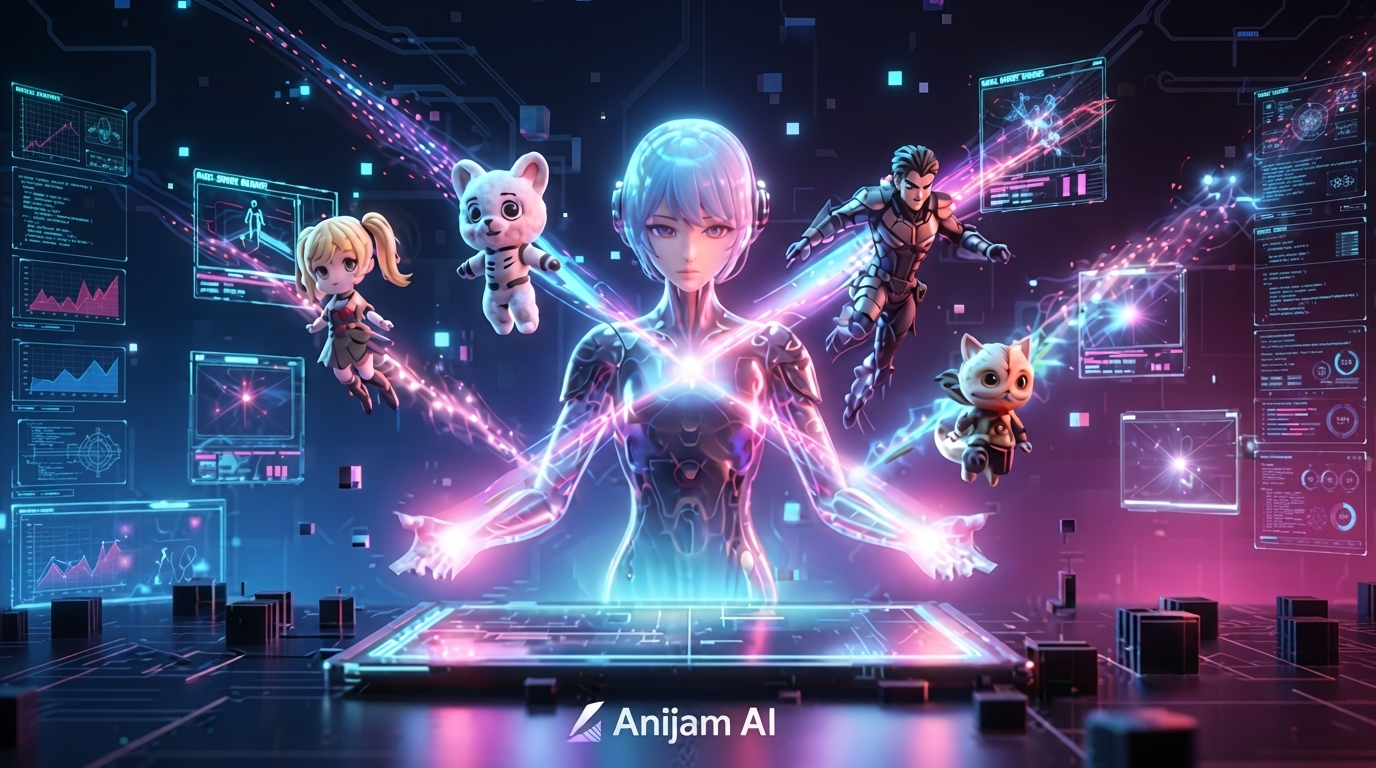
Most AI video tools hand you one disconnected clip per prompt and call it a day. Anijam AI is trying to do something different — it reads your idea the way an actual director would, breaks it into scenes, keeps your characters looking the same from shot to shot, and syncs voice to lip movement automatically. I went in expecting another “type a prompt, get a clip” tool. That’s not really what this is.
Table of Contents
What Makes It an “Agent” Instead of Just a Generator
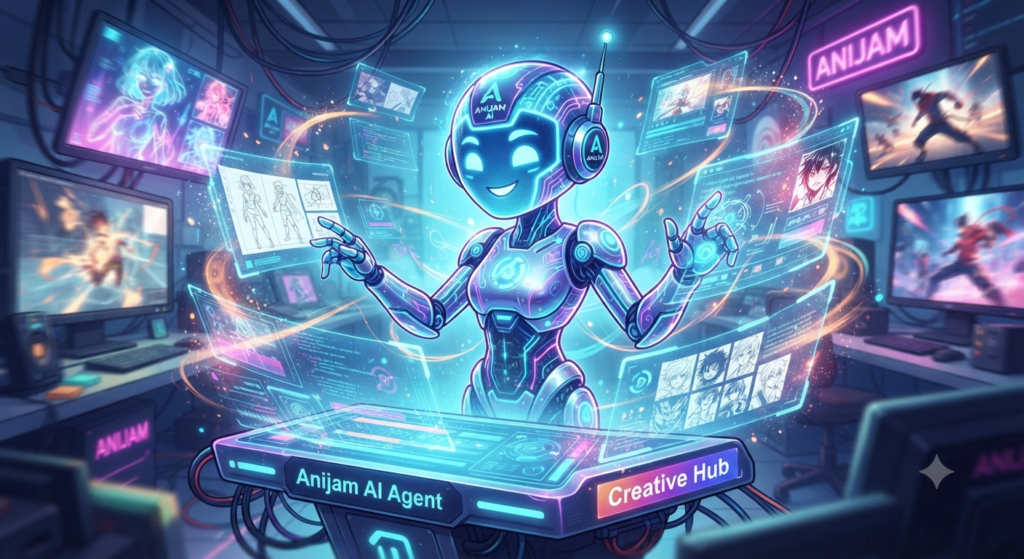
Here’s the distinction that actually matters: a typical AI video tool takes one prompt and spits out one clip. Anijam AI takes a whole story — a script, a rough concept, even just a few sentences describing what you want — and plans the entire production around it. It breaks your idea into individual scenes, designs a cast of characters that stays visually locked across every single one of them, plans camera angles and motion scene by scene, and handles voice and lip-sync automatically once everything’s in place.
That’s a meaningfully different starting point than most tools we’ve covered here. You’re not writing twenty separate prompts and hoping they feel like the same project when you’re done. You’re directing one continuous thing.
Character Consistency Is the Actual Selling Point
If you’ve spent any time with AI video generation, you already know the problem: your character’s face, outfit, or proportions drift a little (or a lot) every time you generate a new shot. It’s the single most common complaint people have about generic AI video tools, and it’s exactly what Anijam AI is built around solving.
You design a character once — face, hair, outfit, proportions, personality — and the platform locks that identity in place across every scene and every episode you create afterward, no re-prompting required. It supports up to four independently animated characters in the same scene, each with its own voice track and properly synced lip movement, which actually makes group scenes and back-and-forth dialogue usable instead of a mess of mismatched faces.
Style-wise, you’re not boxed into one look either — anime, 3D cinematic, cartoon, Ghibli-inspired, chibi, game-art, or a custom-trained style of your own, and whichever you pick, the lip-sync and motion adapt to match automatically so the whole project stays visually coherent.
It Doesn’t Have Its Own Video Model — And That’s the Point
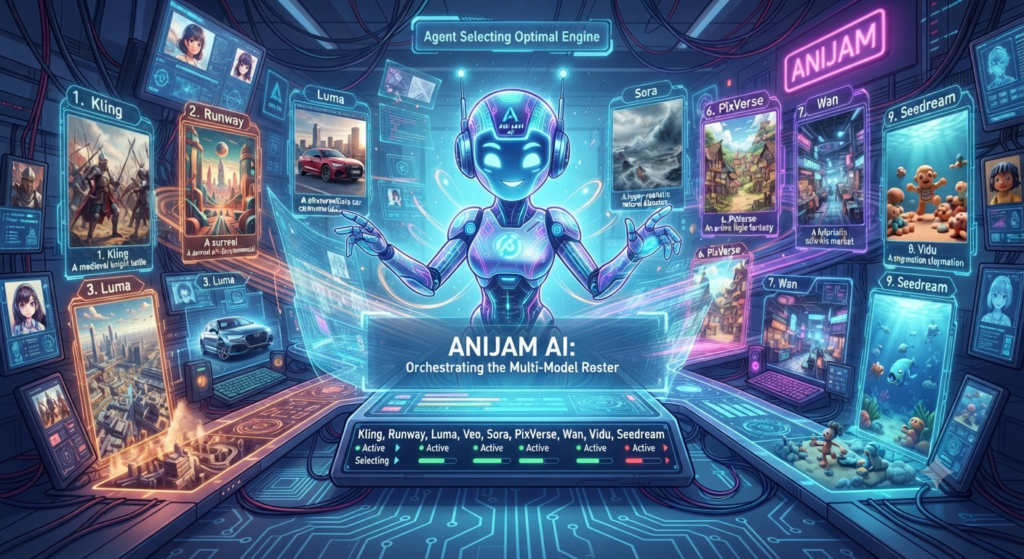
Unlike PixVerse or Seedance, which run on their own proprietary video model, Anijam AI doesn’t build its own generation engine at all. Instead, it orchestrates a whole roster of them — Kling, Runway, Luma, Google Veo, Sora, PixVerse, Wan, Vidu, and Seedream are all integrated, and the platform’s AI agent picks whichever model best fits each individual scene rather than you manually choosing every time.
That’s a genuinely useful trade-off if you’ve been reading along with our coverage of PixVerse or Seedance 2.5 — instead of picking one model and living with its specific strengths and weaknesses for an entire project, Anijam AI lets the underlying engine change scene to scene while your characters and story stay the throughline holding everything together.
Walking Through the Actual Workflow
The whole thing runs through what Anijam AI calls the production canvas, and the flow is more structured than you’d expect from something this approachable:
- Start a project and describe your story or concept in plain language
- Design your characters, locking in appearance and identity before anything gets animated
- Generate scenes on the canvas, where the agent organizes the production and picks appropriate models per shot
- Add voice and lip-sync, choosing from a voice library or building a custom vocal identity
- Edit the timeline, adjusting pacing, trimming weak moments, and reordering scenes before export
Anijam AI claims you can go from a written idea to a complete, agent-directed animation — story, cast, scenes, and lip-sync all included — in under five minutes for a short project. I’d take that number as a best-case scenario rather than a guarantee, but even accounting for some real-world friction, that’s a genuinely different pace than stitching together separate scenes by hand across five different apps.
There’s a free plan with daily credits and watermark-free exports, so you can actually test the full pipeline before deciding whether to pay for anything. It’s available on web and as a mobile app, so you’re not tied to a desktop to get started.
Where This Fits Next to Everything Else We’ve Covered
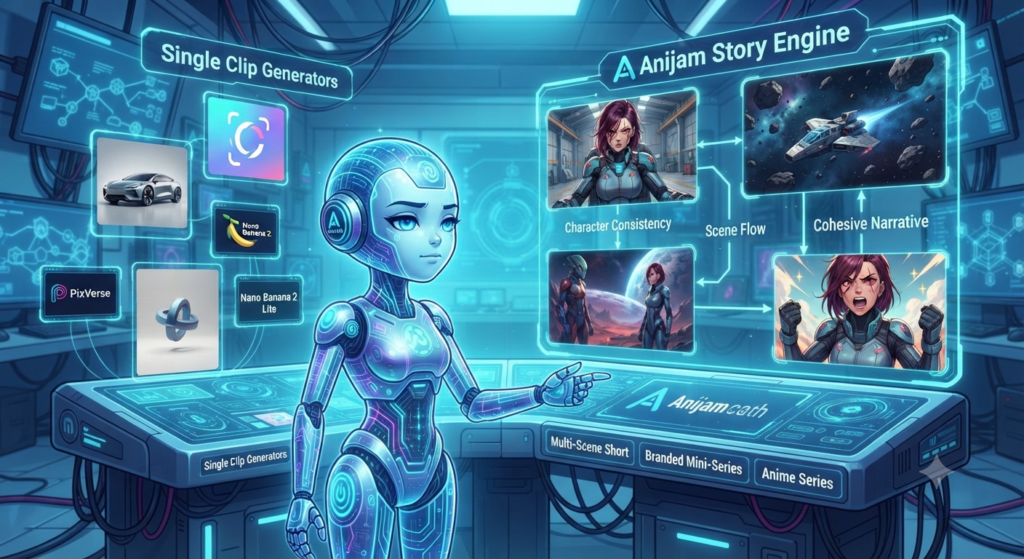
If you only ever need a single clip — a product shot, a quick social loop, a one-off concept test — Anijam is more structure than you need, and something like PixVerse or Nano Banana 2 Lite will get you there faster. But if you’re trying to tell an actual story with recurring characters, whether that’s an anime-style series, a branded mini-series, or just a multi-scene short you want to feel cohesive, this is solving a problem most single-clip generators don’t even attempt to touch.
It’s worth remembering this sits in the same growing category as LTX Studio — tools that are less about being the best model and more about being the best director for whichever model you plug into them. That’s a genuinely different, and probably smarter, way to think about where this space is heading.
For more hands-on AI tools you can start using today, check out our AI Tools section for the latest coverage.