
The Missing Pieces: 3 AI Workflow Tools You’re Probably Not Using Yet
We’ve all spent hours obsessing over the perfect AI video prompt in PixVerse or Kling. But let’s be honest: a stunning silent clip is only half a project. To actually finish a professional-looking animation, you usually need a 3D environment, realistic sound effects, and motion that doesn’t look like a floating ghost.
If you feel like your AI workflow has hit a ceiling, it’s probably because you’re still relying on generic video generators for everything. Here are three specialized AI Workflow Tools that just hit their stride in mid-2026 and are absolute game-changers for finishing your projects.
Table of Contents
1. ACE Studio: The End of Manual Foley in Your AI Workflow
One of the biggest headaches in AI video is sound design. Finding a “footsteps on gravel” sound that actually matches your character’s pace is a nightmare. Enter ACE Studio’s Video-to-SFX.Unlike standard text-to-audio tools, ACE actually “watches” your video. It analyzes the movement in the frame and generates synchronized Foley—footsteps, cloth rustle, or even the hum of a futuristic engine—that perfectly matches the timing of your clip. It’s the closest thing we have to an automated sound engineer. If you’re tired of silent AI videos, this is the first AI Workflow Tools you should add to your belt.
Deep Dive into ACE Studio’s Capabilities
ACE Studio’s Video-to-SFX technology leverages deep learning algorithms to analyze the visual content of your video. It can recognize various types of movements and interactions on screen, such as a character walking, an object falling, or a vehicle passing by. Based on this information, the AI selects the appropriate sound effects from an extensive database and precisely synchronizes them with the video.
This process significantly reduces the time and effort spent on manual sound design while increasing the realism and professionalism of the final product. This Ai workfow tools is particularly useful for filmmakers, animators, and content creators who want to quickly and efficiently provide high-quality audio for their projects.
2. Rodin 2.0: Real 3D, Not Just 2.5D
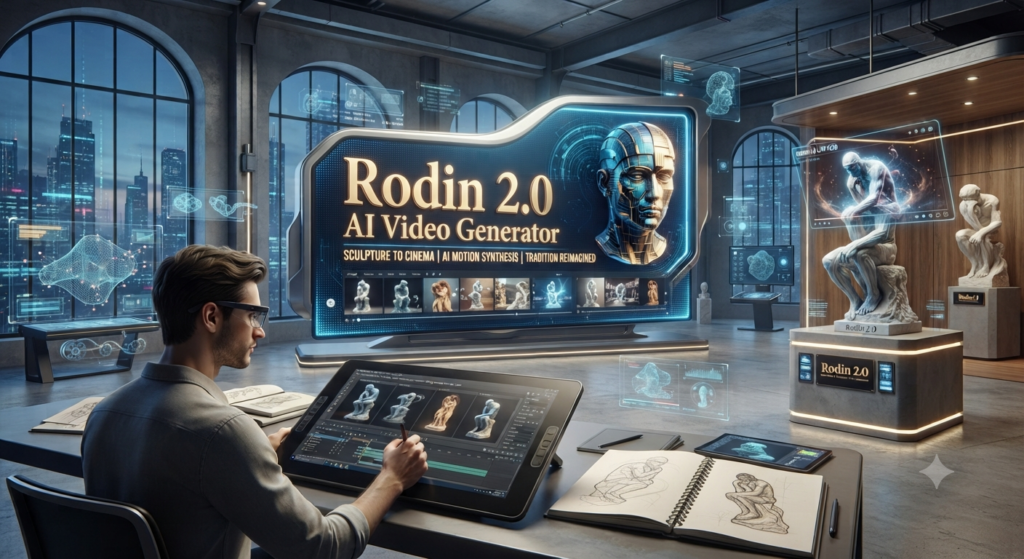
We’ve seen “3D-like” video for a while, but Rodin 2.0 is doing something different. It’s an image-to-3D generator that actually produces production-ready meshes with clean topology.
Why does this matter? Because instead of just generating a video of a robot, you can generate the 3D model of that robot from a single GPT Image 2 reference, drop it into Blender or Unreal Engine, and have total control over the lighting and camera. Rodin 2.0 has significantly closed the gap in texture quality, making it viable for indie game devs and serious animators who need more than just a flat video file.
The Technological Edge of Rodin 2.0
The key innovation of Rodin 2.0 lies in its ability to create real, editable 3D models from a 2D image. This is not just adding a depth map to a 2D image (which creates the illusion of 2.5D), but creating a fully-fledged, three-dimensional geometric structure. “Clean topology” means that the generated 3D meshes are optimized for further editing and animation, avoiding common problems like faulty geometries or texture distortions.
This capability revolutionizes the 3D modeling process, allowing artists and developers to create complex 3D assets faster and more efficiently, which can be integrated into various 3D software and game engines. The Ai workflow tool can be especially valuable in the development of virtual reality (VR), augmented reality (AR), and the metaverse, where the demand for realistic 3D content is constantly growing.
3. QuickMagic AI: Suit-less Mocap That Actually Works
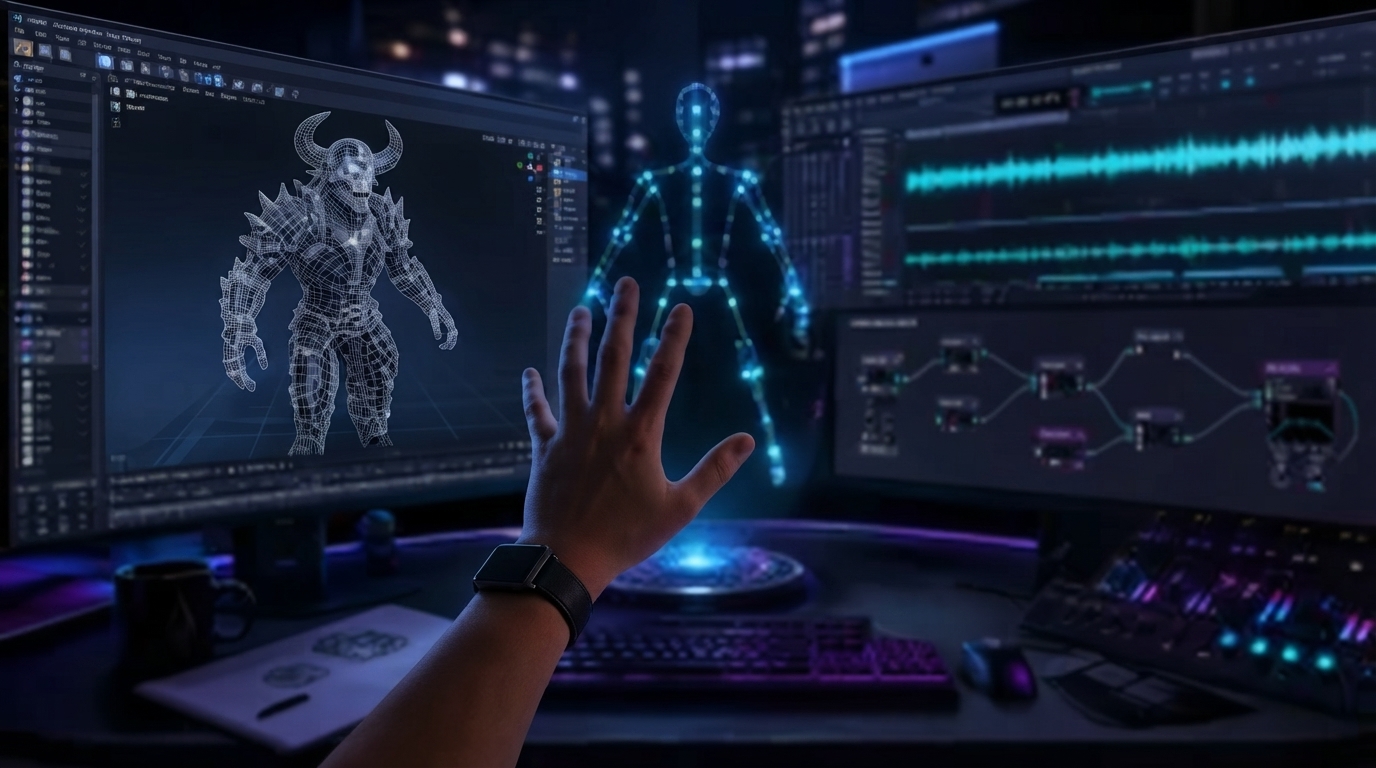
Motion capture used to mean $10,000 suits and a room full of cameras. QuickMagic AI has basically democratized this for the “bedroom animator,” proving the power of specialized AI workflow tools.It uses a single camera feed (even your phone) to extract high-fidelity body and finger tracking. But the real magic is in its latest update, which cleans up the “jitter” that usually plagues AI mocap. You can act out a scene in your living room and retarget that motion to your Rodin 3D models in minutes. It’s the missing link for anyone trying to achieve true character consistency without the “uncanny valley” floatiness of pure generative video.
QuickMagic AI’s Innovation in Motion Capture
QuickMagic AI applies the latest developments in computer vision and machine learning to the field of motion capture. Traditional mocap systems require expensive hardware and special setups, while QuickMagic AI offers a software solution that works with almost any camera. The Ai workflow tools can analyze human movement in real-time and accurately reconstruct the position and orientation of the body and fingers.

The “jitter” removal algorithms introduced in the latest update significantly improve the quality of the captured motion, making it smoother and more natural. This technology is particularly beneficial for indie game developers, animators, virtual production studios, and even sports analysts who want a cost-effective and flexible motion capture solution. QuickMagic AI allows users to quickly prototype, create animations, or even implement real-time interactions in virtual environments.
The “Pro” AI Workflow for Late 2026
If you want to move beyond the amateur look, try this sequence using these advanced AI workflow tools:
1.Generate your character concept in GPT Image 2.
2.Turn that concept into a 3D asset with Rodin 2.0.
3.Animate the character using QuickMagic AI mocap.
4.Render the final scene and run it through ACE Studio for the sound.
It’s a bit more work than a single prompt, but the result is a project you actually own and control.
Check out the other applications in AI Tools and find your next favorite tool that actually makes your work easier!