
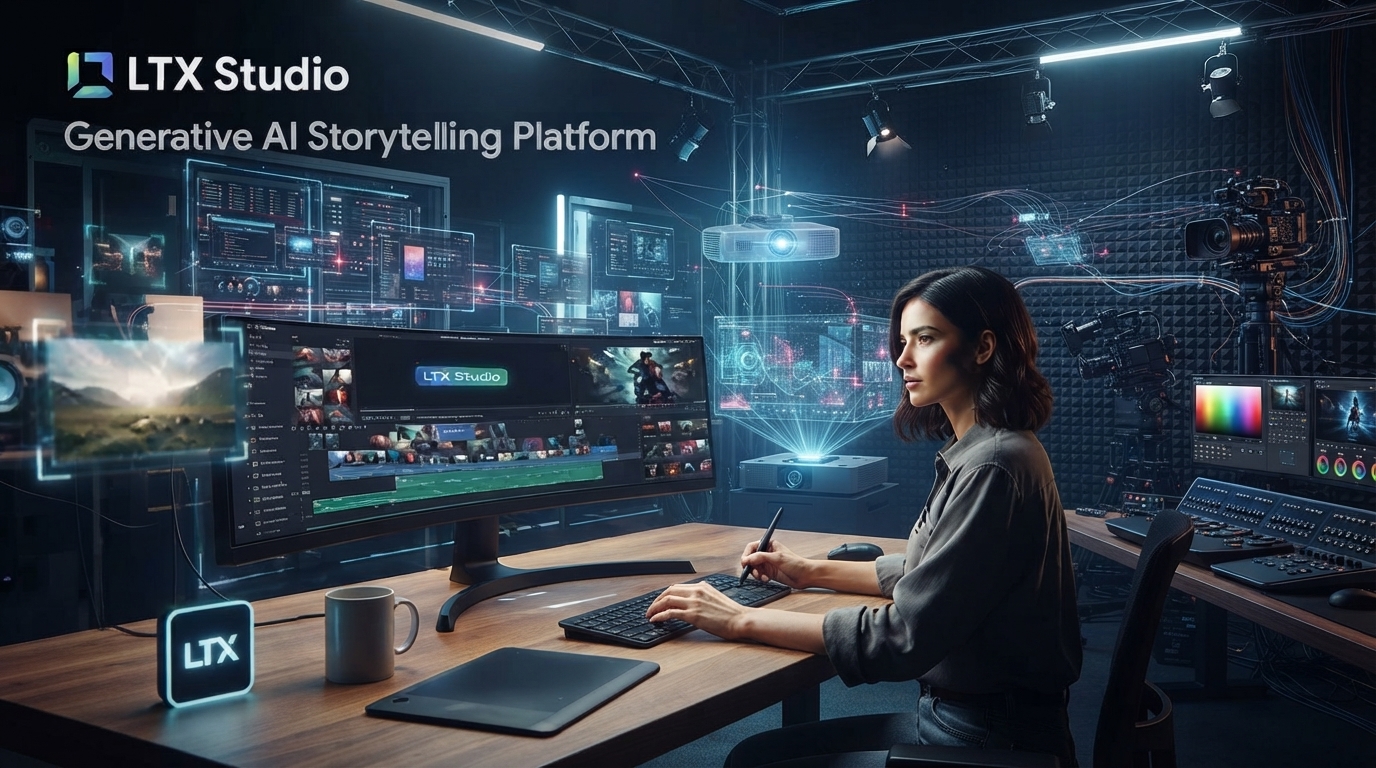
LTX Studio: The AI Video Platform That’s Trying to Be Everything at Once
Most AI video tools want you to type a prompt and hand you a clip. LTX Studio, from the company behind Facetune and Videoleap, is going after something bigger — a full script-to-screen pipeline where you paste in a script, get an auto-generated storyboard, adjust camera angles like you’re pre-visualizing a real shoot, and then render everything out with a choice of video models, including its own in-house one, LTX-2.3.
I wasn’t expecting to find this genuinely useful, but the more I dug into how LTX Studio is actually structured, the more it started to make sense as its own category rather than just another entry in the AI video pile.
Table of Contents
What LTX-2.3 Actually Brings to the Table
LTX-2.3 is Lightricks’ own model, and on paper it’s genuinely competitive: a 22-billion-parameter multimodal system that takes text, images, audio, or video as input and outputs up to 4K at 50fps. Fast mode stretches to 20-second clips, Pro mode caps at 10 seconds with presumably tighter quality control. It also does native portrait video up to 1080×1920, HDR output, and audio-to-video generation, which matters a lot if you’re making anything destined for TikTok, Reels, or Shorts rather than a horizontal timeline.
The detail that actually surprised me: LTX-2.3 ships as open-source under Apache 2.0. You can download the weights and run it locally on your own GPU through LTX Desktop, with no per-generation fees and no watermark once you’re past the hardware cost. Commercial use is allowed royalty-free for companies under $10 million in annual revenue — above that, you need to talk to Lightricks directly.
The Part That’s Actually Different: Full Production Pipeline
Here’s what actually sets LTX Studio apart from just being another video generator: you can paste in an entire script, and it automatically breaks it into scenes, generates storyboard thumbnails for each one, and suggests camera framing before you’ve touched a single generation. From there you refine shot by shot — swap camera angles, adjust character appearances, add sound design — instead of writing one long prompt and hoping for the best.
The camera controls in LTX Studio go deeper than most tools bother with. You can set keyframes for crane lifts, orbit a subject in 3D space, execute tracking shots, or literally sketch objects onto the canvas to indicate where you want something placed. That’s closer to actual pre-visualization software than a typical “type and generate” AI video tool, and it shows the platform is aimed at people who think in shots and scenes, not just prompts.
There’s also built-in SFX and soundtrack generation that matches the mood of a scene, plus voice-over support for narration — which means a YouTube creator or small marketing team could realistically finish a project without ever opening a separate audio editor.
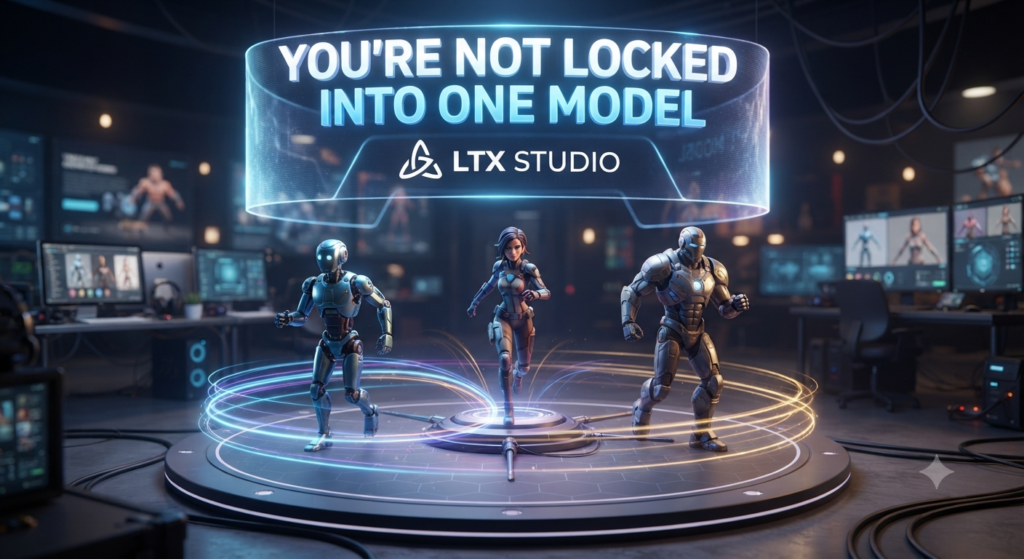
You’re Not Locked Into One Model
This is probably the most useful thing about LTX Studio if you’re the kind of creator who already bounces between tools: you’re not stuck with just LTX-2.3. Depending on your plan, you also get access to Google’s Veo 2 and Veo 3.1, Kling 2.6 and 3.0 Pro, FLUX.2 Pro, and Nano Banana Pro, all inside the same workspace. So instead of storyboarding in one app, generating in a second, and editing in a third, you build the whole sequence once and pick whichever underlying model actually suits each specific shot.
That’s a genuinely different pitch than most single-model platforms, including several we’ve covered here before — PixVerse and Seedance 2.5 are both excellent at what they do, but they’re still one model each. LTX Studio is closer to a production suite that happens to include a strong model of its own.
What It Actually Costs
The free tier gives you 800 one-time credits and LTX-2.3 access only — good enough to seriously test the workflow before spending anything. From there, Lite runs around $15/month with more computing time, Standard sits at $35/month and unlocks commercial use plus Google’s Veo 2, and Pro is $125/month with roughly 110,000 credits, Veo 3.1, Kling 3.0 Pro, and priority rendering. There’s also a custom enterprise tier for larger teams.
If you’d rather skip the cloud pricing entirely and you’ve got the hardware for it, running LTX-2.3 locally through LTX Desktop costs nothing per generation beyond your own electricity and GPU — reportedly somewhere around a fifth to a tenth the cost of cloud generation once your hardware’s already paid for.
Who This Is Actually For
If you’re producing single social clips or quick concept tests, LTX Studio’s full pipeline is honestly more structure than you need — something like PixVerse or Nano Banana 2 Lite will get you there faster. But if you’re working on anything with multiple shots that need to feel like they belong to the same project — a short film, a branded video series, a multi-scene ad — the script-to-storyboard workflow and the ability to swap models shot by shot starts to look less like a nice-to-have and more like the actual point.
It’s also worth trying the free tier just to see the storyboard automation in action, even if you end up doing your final renders somewhere else. It’s one of those features that’s hard to fully appreciate until you’ve watched a script turn into a shot list in front of you.
For more hands-on AI tools you can start using today, check out our AI Tools section for the latest coverage.