
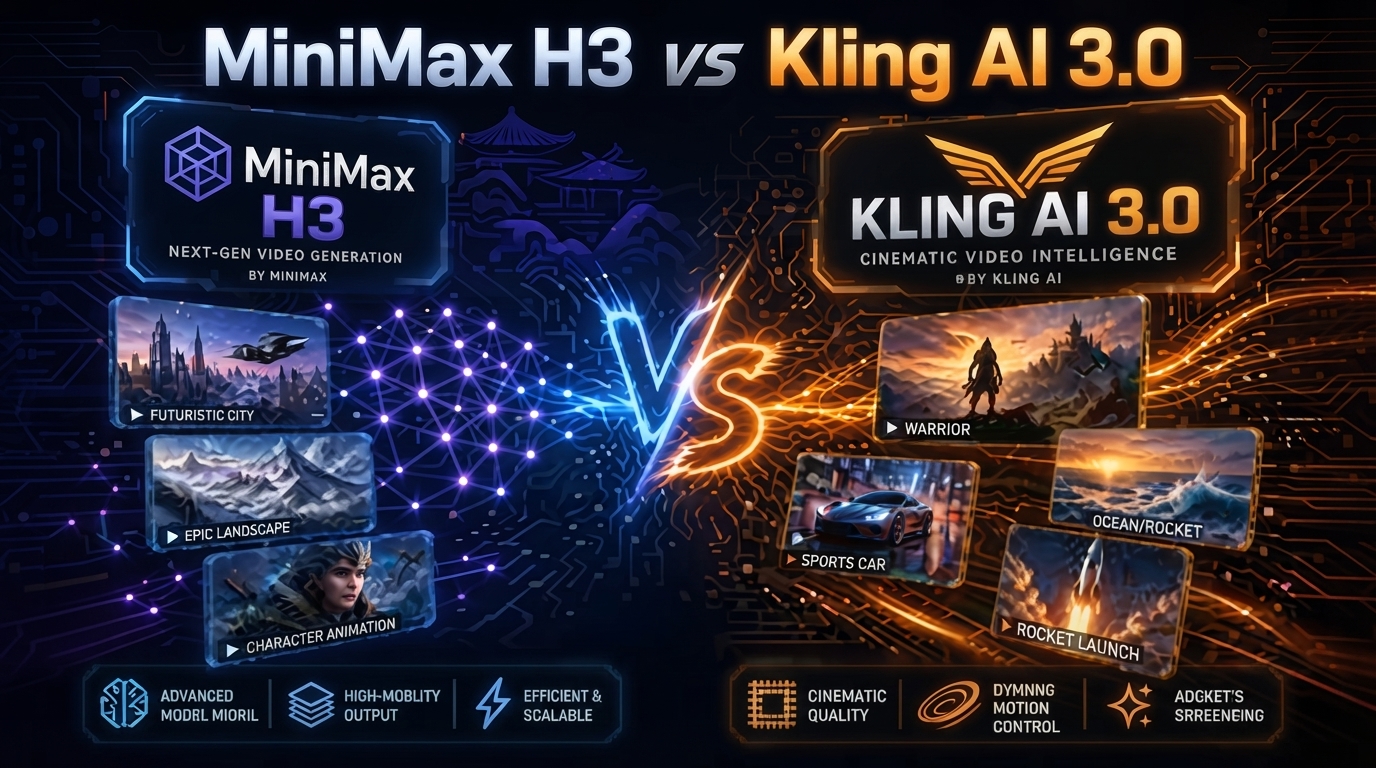
MiniMax H3 vs Kling AI 3.0: 7 Key Differences
The landscape of generative video has shifted dramatically in the last few months. If 2025 was the year of “proof of concept,” then 2026 is the year of professional production. We are no longer impressed by a simple moving image; we demand cinematic quality, physics-defying consistency, and native audio. This brings us to the ultimate showdown that every creator is talking about: MiniMax H3 vs Kling AI 3.0.
Table of Contents
MiniMax H3 vs Kling AI 3.0: Which AI Video Tool Should You Use?
The AI video market is becoming increasingly competitive, and two tools that deserve attention are MiniMax H3 and Kling AI 3.0.
Both are designed to help creators generate AI video from prompts and images, but they approach the creative workflow differently.
So, which one should you choose?
The answer depends less on which model is “better” and more on what type of video you want to create.
In this comparison, we look at seven important differences between MiniMax H3 and Kling AI 3.0.

1. Video Quality
Video quality is one of the first things creators notice.
Both platforms can produce impressive results, but the final output can vary considerably depending on the prompt, reference image, movement, and selected settings.
For realistic scenes, it is worth testing the same prompt in both systems instead of relying only on promotional examples.
A good comparison should use:
- The same source image
- The same prompt
- Similar camera instructions
- Similar duration
- Similar output settings
This gives you a much more useful result than comparing unrelated showcase videos.
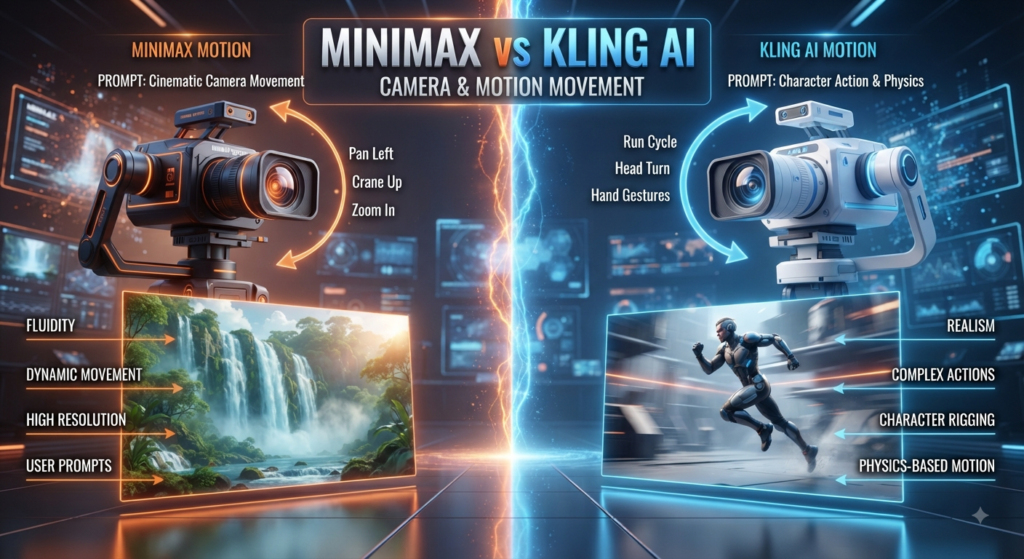
2. Motion and Camera Movement
Camera movement is another major part of AI video generation.
For cinematic shots, prompts should clearly describe the movement rather than simply asking for a “cinematic video.”
For example:
Prompt:
A woman walks slowly through a futuristic city at night, subtle camera tracking, realistic movement, natural lighting, cinematic composition.
The important part is not using complicated wording. Clear instructions usually make it easier to control the scene.
3. Prompt Following
Prompt following can make a huge difference when creating specific scenes.
Instead of writing a long paragraph containing dozens of instructions, start with the most important elements:
Subject → action → environment → camera → style
For example:
A red sports car drives through a neon-lit city at night. The camera follows from behind as reflections move across the wet road. Realistic cinematic lighting.
This structure can work better than adding a large number of unrelated visual adjectives.
4. Image-to-Video Workflow
If you already create images with an AI image generator, image-to-video can be more useful than generating everything from text.
The workflow is simple:
- Create or select your image.
- Upload it to the video tool.
- Describe the movement.
- Keep the character and environment consistent.
- Generate several variations.
- Choose the most stable result.
This is especially useful for social media clips and short cinematic sequences.
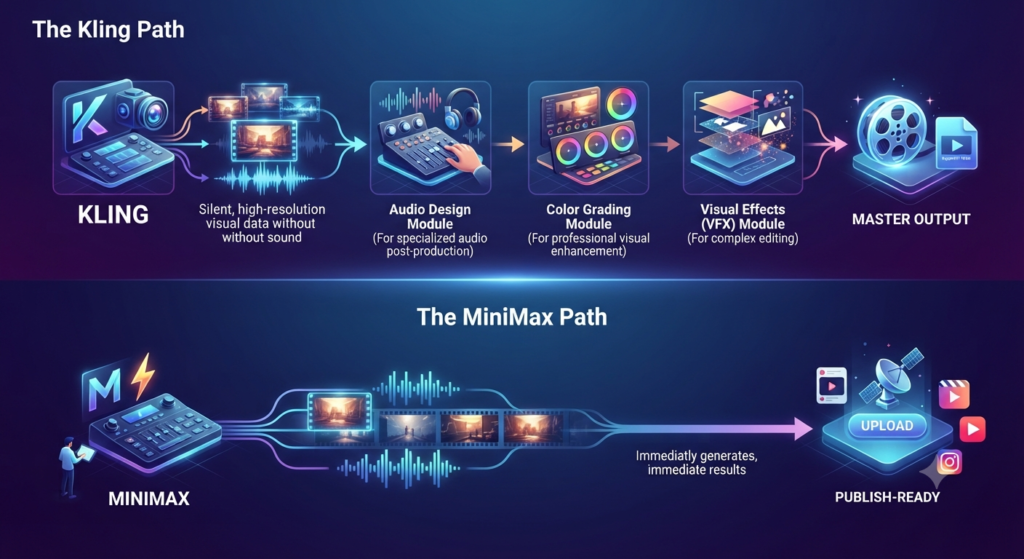
6. The “Pro” Workflow Integration
How do these tools fit into a larger AI video production 2026 workflow?
•The Kling Path: Best for creators who already have a robust post-production pipeline. You generate the high-res silent visuals in Kling, then move to specialized tools for sound and color grading.
•The MiniMax Path: Best for solo creators and social media managers who need high-impact content fast. The integrated audio means you can go from prompt to “publish-ready” in one step.
7. The Verdict: Which One Should You Choose?
After weeks of testing MiniMax H3 vs Kling AI 3.0, here is my final recommendation:
Choose Kling AI 3.0 if: You need ultra-sharp 4K visuals, absolute control over your prompts, and the fastest possible rendering speeds for high-volume work. It is the ultimate “visual engine.”
Choose MiniMax H3 if: You want the most “human” motion, native synchronized audio, and a cinematic texture that doesn’t feel like it was “upscaled.” It is the ultimate “storytelling engine.”
Conclusion: A Win for Creators
The real winner in the MiniMax H3 vs Kling AI 3.0 battle is the creative community. We now have two world-class models that excel in different areas. Instead of looking for one tool to do everything, the pros are starting to use both—Kling for the wide, epic landscape shots and MiniMax for the intimate, character-driven moments where sound and soul matter most.
The era of “good enough” AI video is over. Whether you choose the precision of Kling or the atmosphere of MiniMax, the tools to create a masterpiece are finally in your hands.
Check out the other applications in AI Tools and find your next favorite tool that actually makes your work easier!