
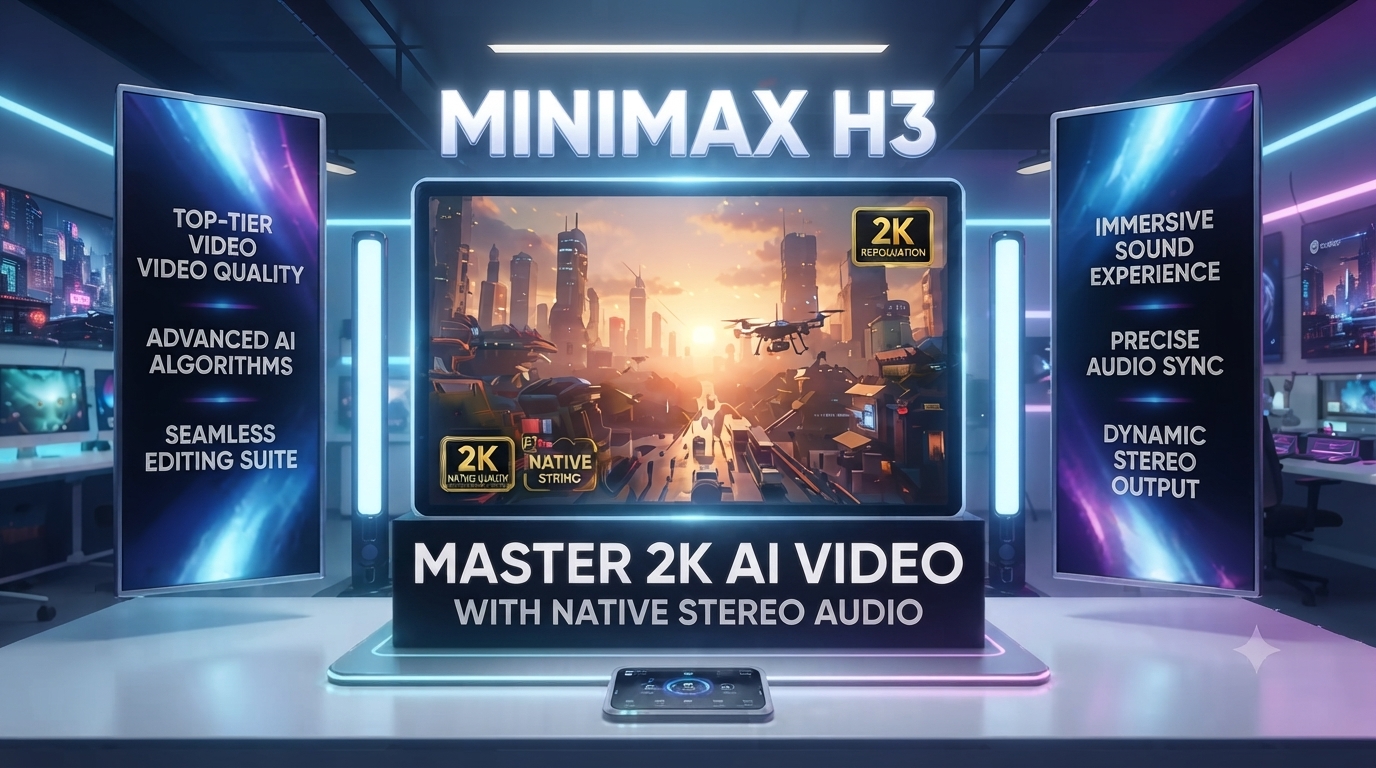
MiniMax H3 Tutorial: Amazing 2K AI Video & Audio
In this MiniMax H3 tutorial, we explore how the AI video landscape just hit a massive turning point. If you’ve been following the scene, you know that generating a decent clip used to feel like assembling a puzzle in the dark—one tool for the visuals, another for the audio, and a third just to make it look sharp. MiniMax H3 has officially ended that era.
This isn’t just a minor update; it’s a fundamental shift in how AI understands creative intent. In this MiniMax H3 tutorial, we’re going to break down everything from the underlying tech to the advanced prompting strategies that will set your content apart.
Table of Contents

Why is MiniMax H3 a Big Deal?
Most AI models are “specialists”—they do one thing well. As we highlight in this MiniMax H3 tutorial, H3 is a General-Purpose Omni-Modal Model. This means it doesn’t just “see” an image or “read” a prompt; it understands the relationship between text, images, video, and audio in a single, unified context.
The Technical Edge: Why H3 is Different
•Contextual Omni Representation: Instead of just describing a target video, H3 understands the relationship between your references.
•H3-VAE (Architectural Efficiency): MiniMax overhauled their tokenizer, achieving a 4x gain in effective sequence length. This is why any good MiniMax H3 tutorial emphasizes the native 2K resolution.
•In-Context Regeneration: Unlike other models that use a separate “upscaler,” H3 uses its own base model to regenerate low-res output into high-res, preserving tiny details.
Getting Started: MiniMax H3 Tutorial Setup
Before you start prompting, you need to know where to play.
1.Hailuo AI: The official web interface. Perfect for quick tests and casual creators.
2.fal.ai: The pro choice. It offers three distinct endpoints:
•Text-to-Video: Purely prompt-based.
•First & Last Frame: You provide the start and end, H3 fills the motion.
•Reference-to-Video: The powerhouse mode for identity locking and motion transfer.
Watch this to see the real-time generation speed and quality before we dive into the advanced prompting below.
Mastering the “Six-Block” Prompting Strategy
To get those cinematic results you see on social media, you can’t just type “a cool car driving.” A key part of any MiniMax H3 tutorial is mastering the language of the model. Use this structure to build your prompts:
1. The Visual Foundation (Style )
Define the medium. Is it a 35mm film scan? A retro 90s anime? A high-end fashion commercial?
•Example: “Cinematic 35mm film look, fine grain, soft highlight halation, Wes Anderson-inspired color palette.”
2. The Camera’s Soul (Motion)
H3 is incredibly responsive to camera directions. Use terms like dolly zoom, rack focus, handheld shake, or whip pan.
•Example: “Slow handheld tracking shot, following the subject from behind, subtle vertical jitter.”
3. The Subject’s Narrative (Action)
Be specific about the physics of the movement.
•Example: “A young woman adjusts her sunglasses with a cool, effortless attitude, turning her head slightly toward the camera.”
4. The World Building (Environment & Lighting)
Describe the time of day and the quality of light.
•Example: “Set on a desert highway during golden hour, long shadows, orange firelight reflected on the car’s surface.”
5. The Graphic Layer (Text & UI)
H3 is one of the few models that can actually read and write. If you need a brand name on a building, specify it here.
•Example: “A neon sign in the background clearly reads ‘AI ANIM MEDIA’ in a bold, condensed sans-serif font.”
6. The Sonic Dimension (Audio)
Since H3 generates native stereo audio, tell it what to play.
•Example: “Audio: A deep sub-bass pulse, distant metallic resonance, and the sound of wind whistling through the desert.”
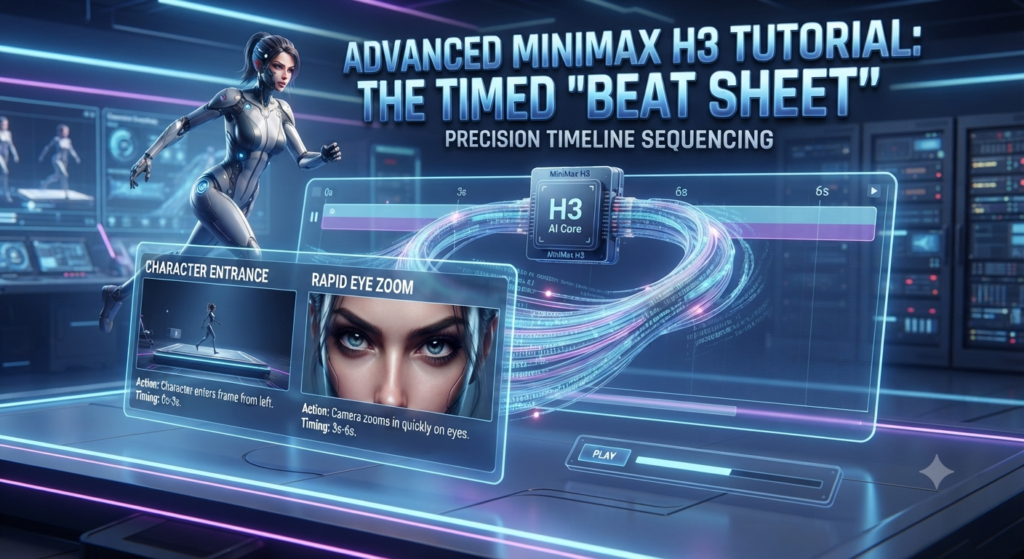
Advanced MiniMax H3 Tutorial: The Timed “Beat Sheet
One of the most powerful (and underused) features of H3 is its ability to follow a timeline. You can structure your prompt like a script:
•0-3s: The character enters the frame from the left.
•3-6s: The camera zooms in quickly on their eyes.
•6-10s: The character smiles, and the background lighting shifts to bright neon blue.
This level of control was previously impossible without heavy manual editing.
Use Cases for Professionals
•E-commerce & Branding: Generate product videos where the text on the packaging is actually legible. Use “Reference-to-Video” to keep your product consistent across different shots.
•UI/UX Design: Animate app interfaces or website layouts. H3 can handle the complex movements of buttons and menus while keeping the text sharp.
•Film & Advertising: Create high-quality teasers or mood boards. The native stereo audio means you have a semi-finished product in seconds, not hours.
The Verdict
MiniMax H3 isn’t just another incremental update; it’s a tool that respects the creator’s intent. We hope this MiniMax H3 tutorial helps you bridge the gap between “AI toy” and “production tool.”
Start experimenting with the six-block structure today, and use this MiniMax H3 tutorial as your roadmap to high-end AI video production.
If you want to see where it all started, don’t forget to check out our previous deep dive into the MiniMax 3 model to see just how much this technology has evolved.