Google Veo 3.1 Free: One of the Best AI Video Models Just Got Handed to Everyone
Google Veo 3.1 Free access is one of those announcements that’s easy to scroll past, but it actually changed how creators can access advanced AI video generation.t. On April 2, 2026, Google rolled Veo 3.1 straight into Google Vids for every single personal Google account. Not a beta, not a waitlist, not a Workspace subscription requirement. If you’ve got a Gmail address, you already have access and might not even know it.
Table of Contents
What You Get With Google Veo 3.1 Free
Every personal Google account now gets 10 Veo 3.1 video generations a month, no credit card, no trial period that quietly expires. You can generate a clip from a text prompt or animate an existing photo, and each clip runs up to 8 seconds. Google’s also thrown in Lyria 3 for original background music and directable AI avatars, plus a Chrome extension for screen recording and a direct publish button straight to YouTube. Basically, they didn’t just unlock the video model — they built an entire lightweight production pipeline around it.
If 10 a month feels tight, there’s a second door in: Google Flow, DeepMind’s dedicated AI filmmaking tool, gives free accounts 50 AI credits a day (up to 180 in some countries), which reset every 24 hours. Stack both tools together and you’ve genuinely got a meaningful amount of free AI video generation available every single day, not just once a month.
Why This Wasn’t Always the Case
Before April, touching Veo 3.1 at all meant either a paid Google Workspace subscription or developer-level API access through Vertex AI. It was a serious tool sitting behind a serious paywall, which is pretty normal for a flagship model — this is the same tier of tech that’s been going head-to-head with Sora and Runway’s top offerings. Handing that to anyone with a free Gmail account is a genuinely different move than the usual “here’s a limited demo” free tier most companies ship.
The Catch: Resolution and Watermarks
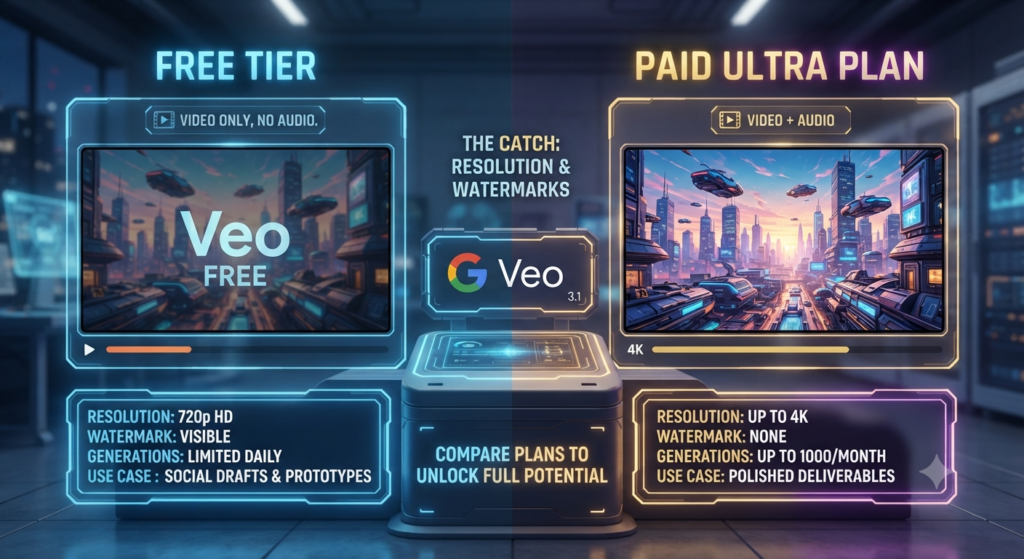
There’s always a catch, and here it’s a reasonable one. The free tier caps out at 720p — solid for social drafts, concept testing, and quick prototypes, but not what you’d want for a polished final deliverable. Free clips also carry a visible Veo watermark, and you’re limited to video only, no audio baked into the free generations themselves. Want 1080p, 4K, or unlimited generations? That’s still gated behind a paid Google AI Ultra or Workspace AI Ultra plan, which bumps you up to as many as 1,000 Veo generations a month.
So think of the free tier as a genuinely useful sandbox rather than a full replacement for a paid pipeline — which, to be fair, is exactly what Google’s positioning it as.
Why Google Is Doing This Right Now
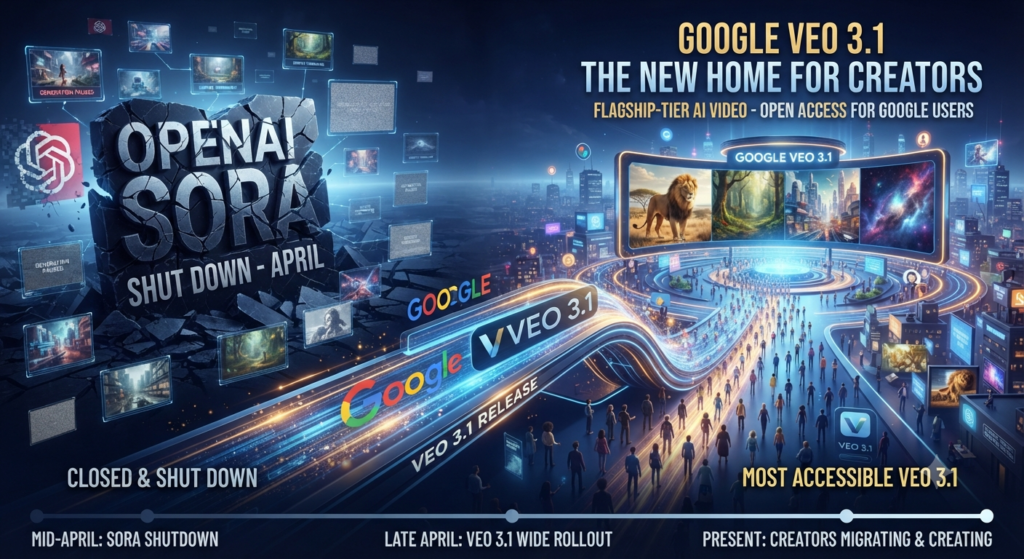
Timing matters here. This rollout landed just weeks before OpenAI shut Sora down entirely in late April, and industry analysts have pointed out that Veo 3.1 basically stepped into the gap Sora left behind — while also getting handed to essentially everyone with a Google account at the exact moment its biggest rival was disappearing. Whether that timing was intentional or just a coincidence of release schedules, the effect is the same: Google now has the most accessible flagship-tier AI video model on the market, at a moment when creators are actively looking for a new home.
Should You Use Google Veo 3.1 Free
If you’re not already using it, there’s genuinely no reason not to try it — it costs nothing, and 10 generations a month plus Google Flow’s daily credits is enough to test ideas, mock up concepts, or handle small, low-stakes projects like a quick promo or an animated greeting card. For anything you’re actually publishing at a professional level, the 720p cap and watermark mean you’ll still want PixVerse or Seedance 2.5 in your corner for the final render.
But as a free way to sketch out ideas before committing to a paid generation elsewhere, this is one of the more genuinely useful things Google’s shipped in this space in a while — and a lot of people still don’t know it’s sitting inside a tool they already have open every day.
For more breaking updates on AI tools, models, and industry news, check out our AI News section for the latest coverage.