

ChatGPT 5.6: 5 Bold Changes With Sol, Terra & Luna
If you opened ChatGPT recently and thought “wait, when did this change” — that’s ChatGPT 5.6. OpenAI didn’t just swap out a model number this time. New names, a rebuilt app, a different way of thinking about what “ChatGPT” even is now.
Table of Contents
Meet Sol, Terra, and Luna
Gone is the old numbered naming scheme. ChatGPT 5.6 comes in three flavors instead: Sol for the hardest reasoning and long multi-step work, Terra as the everyday middle option, and Luna for fast, cheap, high-volume stuff. OpenAI teased the names back in late June, then shipped the full lineup in early July.

All three share a 272,000-token context window — or at least, they’re supposed to. OpenAI had to patch this shortly after launch because some bundled instructions were quietly shrinking it for certain users. Still, on paper it’s a solid step up from the previous generation, especially if you’re feeding it long documents or big chunks of code.
The App Got a Split Personality
This is the part that trips people up. The old ChatGPT app got renamed to ChatGPT Classic. Meanwhile the app that used to be Codex is now just… ChatGPT, and it comes with two modes baked in: Chat for regular back-and-forth, and Work for tasks you want it to just go handle on its own.
Codex hasn’t disappeared, though — it’s tucked in there too, as its own separate view with its own history. So really you’ve got three things trying to live inside one app. Which, fair enough, is basically the point: OpenAI’s been talking for a while about merging its agent tools with the regular chat interface, and this is that merge actually happening.
Usage Limits Are Still Getting Sorted Out
Launch week wasn’t pretty. Sol apparently doubled traffic within 48 hours, which forced OpenAI to yank the rolling 5-hour limit on Plus, Pro, and Business plans and move to a weekly-only cap for the time being. Nobody’s said for sure whether that’s permanent — it sounds more like a live experiment than a locked-in decision.
If your usage feels different than it did a few weeks back, you’re not imagining it. Worth just checking your plan’s usage page directly instead of assuming the old rules still apply.
Codex Is Basically Part of ChatGPT Now
One of the bigger under-the-hood shifts here is how much Codex has folded into the main product. Desktop now has a global switcher between ChatGPT and Codex, a unified Recents tab where Chat and Work conversations sit together, and Work sessions that sync across web, mobile, and desktop.
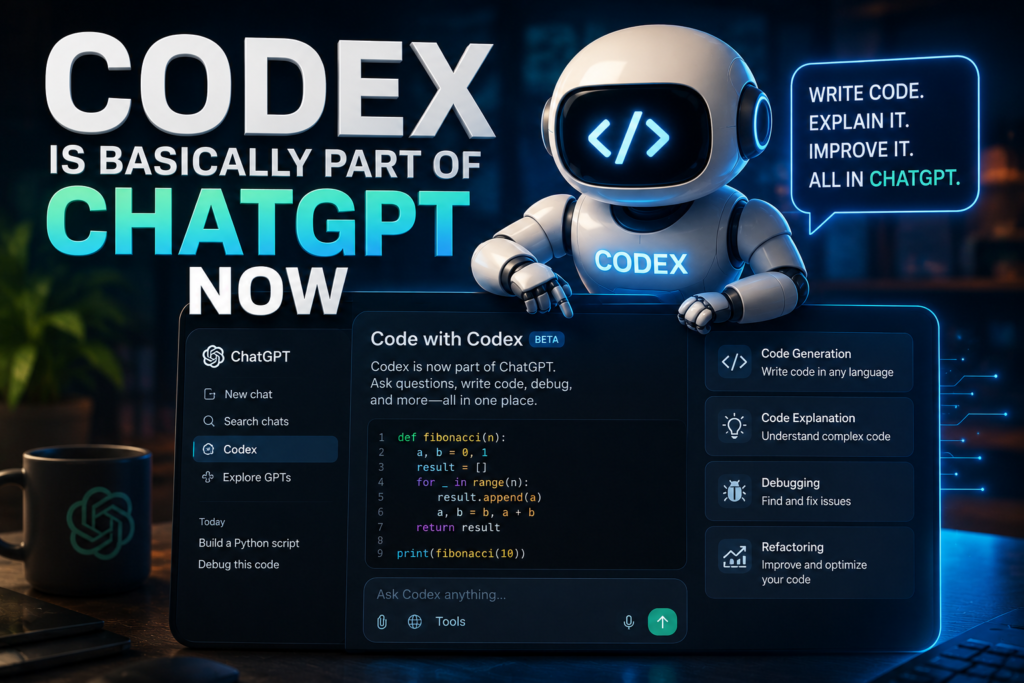
If Codex was mainly your coding tool before, this changes things a bit — that same agentic power is now sitting right next to your regular chat history instead of off in its own corner.
Why This Rollout Has Been Bumpy
Not going to pretend this launch has been smooth. Between the usage-limit flip-flop, the context window bug, and everyone relearning where things live in the new Chat/Work/Codex setup, there’s been real confusion the first couple weeks. OpenAI’s been posting fixes fairly often, which happens with launches this size, but the experience has already shifted a few times since day one.
Should You Switch to ChatGPT 5.6 Yet?
If you’re already paying for Plus or Pro, there’s no real choice to make — Sol, Terra, and Luna are just what’s running now. If you’re on the fence about paying at all, the bigger context window and the Work agent are the two things actually worth testing, since those change how you’d use it day to day rather than just changing what it’s called.
Either way, this whole rollout is a decent reminder that OpenAI moves fast enough that the product can look pretty different every few weeks — worth keeping in mind if you’re building a workflow around any one version of it.

Further Reading
- ChatGPT Release Notes — OpenAI Help Center — official changelog covering the ChatGPT 5.6 rollout
- ChatGPT Work vs. Codex — OpenAI’s breakdown of the new Chat/Work/Codex split
For more AI tool breakdowns like this one, check out aianimmedia.com.