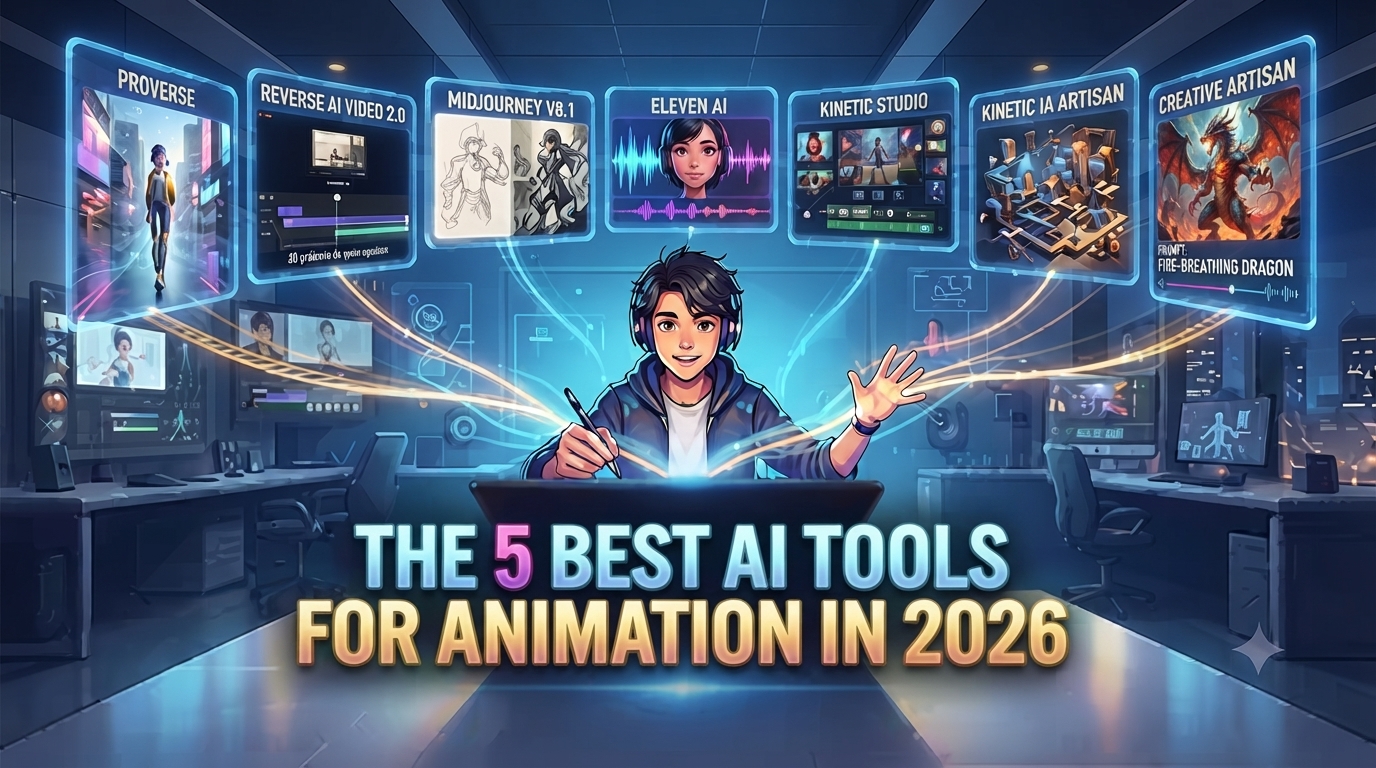
5 Best AI Tools for Animators in 2026
Animation used to mean months of manual keyframing before anything looked finished. These days, the best AI tools for animators cut that timeline down at nearly every stage — from the first storyboard sketch to the final render — and a few of them are genuinely changing how solo creators compete with full studios.
Table of Contents
PixVerse for Real-Time Worlds and Avatars
PixVerse earns its spot among the best AI tools for animators for a reason most other tools can’t match: it doesn’t just generate a finished clip, it builds a world that keeps responding while you work in it. Its R1 model lets you drop a personalized avatar into a shared, continuous environment instead of rendering one static scene at a time, and its V6 engine handles the more practical side — steady camera movement, consistent character expressions, and up to 15 seconds of 1080p footage with audio baked in.
For animators experimenting with interactive or episodic content, PixVerse is less of a rendering tool and more of a sandbox you can keep coming back to. It’s also worth trying if you’re testing ideas for a series rather than a single short — the shared-world format means you can keep building on the same environment across multiple sessions instead of starting from scratch each time.
Runway Aleph 2.0 for Frame-Level Edits
Once you’ve got footage, Aleph 2.0 is where the fixing happens, and it’s one of the more practical AI tools for animators dealing with continuity issues. Edit a single reference frame — using GPT Image 2 or Nano Banana Pro — and Aleph 2.0 carries that change across the rest of a 30-second, 1080p clip, preserving lighting, shadows, and motion the whole way through.
This matters more than it sounds for animators specifically, since stylized footage tends to break in weird ways when you try to patch it manually — a color shift on one frame rarely looks right by frame ten. Letting the model carry the edit through the whole clip keeps that consistency intact without hours of manual touch-up.
Midjourney V8.1 for Style and Concept Art
Before any of the video tools come into play, most animation projects still start with concept art, and Midjourney V8.1 remains one of the strongest AI tools for animators looking to nail a visual style early. It’s not built for motion at all, but the character and environment consistency it produces gives every downstream tool — PixVerse included — a stronger reference to work from.
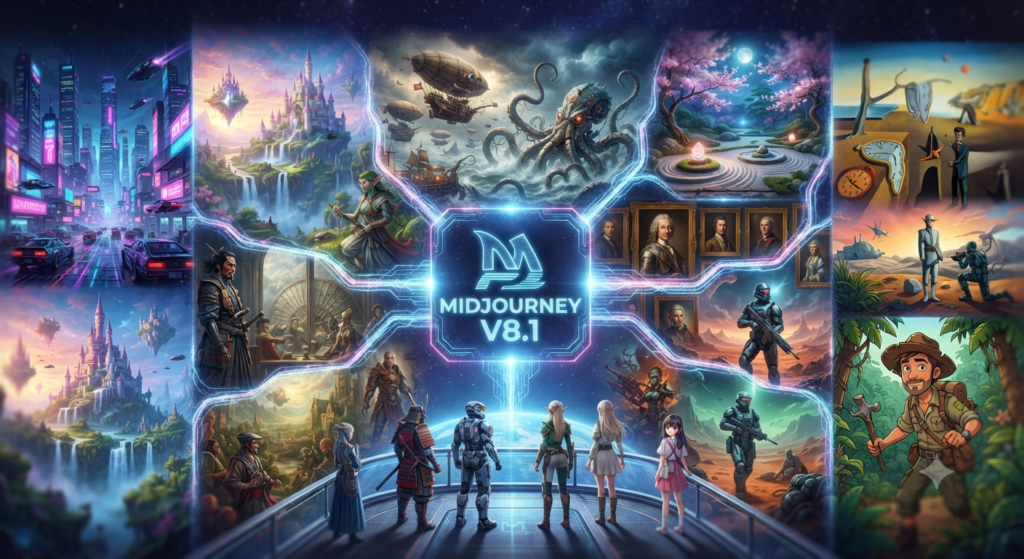
V8.1 also renders noticeably faster than earlier versions, which matters when you’re iterating through a dozen style directions before locking one in for the rest of a project.
Eleven v3 for Voice and Lip-Sync
Animation lives or dies on timing, and voice is half of that equation. Eleven v3 handles natural-sounding narration and character voices with lip-sync accuracy that holds up even on stylized, non-photorealistic faces — a detail that trips up a lot of general-purpose voice tools
Among AI tools for animators, it’s the one most worth adding once your visuals are locked and you need dialogue or narration to match.
Gemini Omni for Multimodal Scene Building
Gemini Omni rounds out the list by handling the blending work: feed it an image for style, a clip for camera movement, and a track for pacing, and it fuses all three into one generation. For animators piecing together mood boards, reference clips, and music into a single test scene, it cuts out a step that used to require three separate tools.
Which Tool Should You Actually Start With?
If you’re building anything interactive or episodic, start with PixVerse. If your work is mostly fixing and polishing existing footage, Aleph 2.0 earns its place first. Most animators end up combining several AI tools for animators rather than picking just one — concept art in Midjourney, motion in PixVerse or Gemini Omni, then a pass through Aleph 2.0 for cleanup, with Eleven v3 handling voice once the visuals are locked.
None of these tools fully replaces traditional animation skill — they shift where the time goes, from manual frame-by-frame work toward direction and editing. That’s still a real skill, just a different one than most animators trained on originally.
Further Reading
- PixVerse Update 2026: 7 Bold New AI Video Features
- GPT Image 2: 5 Genius Ways It’s Powering AI Video
- Gemini Omni: 6 Bold Ways Google’s New AI Video Model Delivers
For more AI video breakdowns like this one, check out aianimmedia.com.