
GPT Image 2: 5 Ways It’s Powering Smarter AI Video
GPT Image 2 was never pitched as a video tool, but that’s exactly where it’s making the biggest difference right now. OpenAI’s image model has quietly become the editing engine of choice inside one of the year’s most talked-about video releases, and the combination is changing how creators approach post-production.
Table of Contents
What GPT Image 2 Actually Does
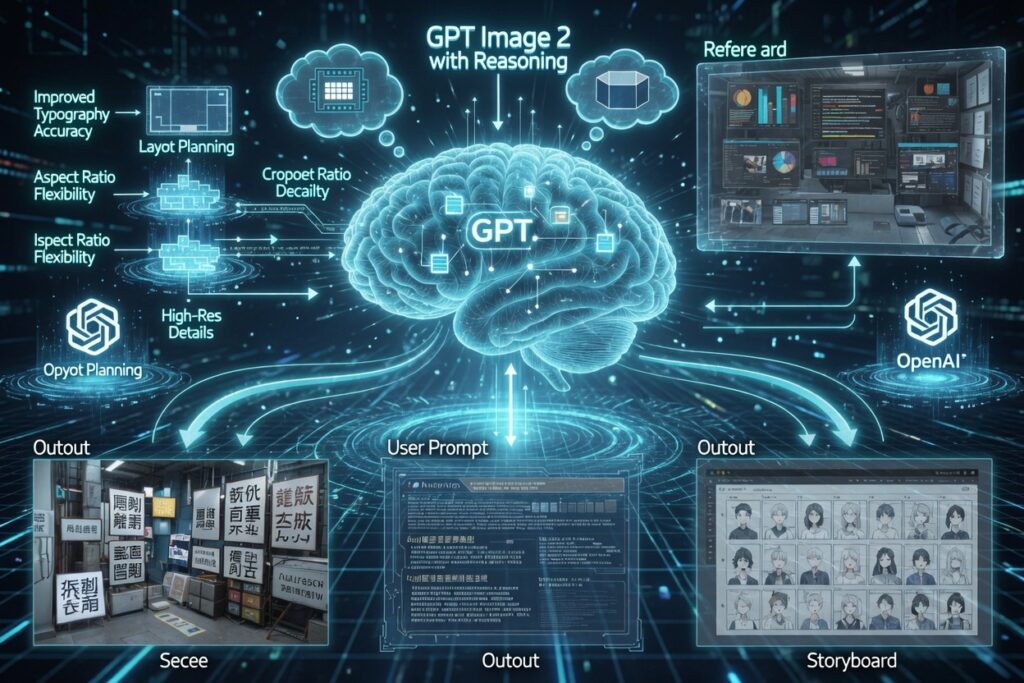
On its own, GPT Image 2 is OpenAI’s most capable image model to date — sharper text rendering, better multilingual output, and stronger reasoning about complex scenes before it commits to a final image. It launched back in April, available through the API and inside ChatGPT, and it fixed a lot of the small annoyances people had with the original GPT Image model, like the warm color cast and shaky text accuracy.
None of that sounds like a video story at first glance. But GPT Image 2’s real strength — precise, instruction-following edits on a single image — turned out to be exactly what a completely different tool needed.
The Aleph 2.0 Connection
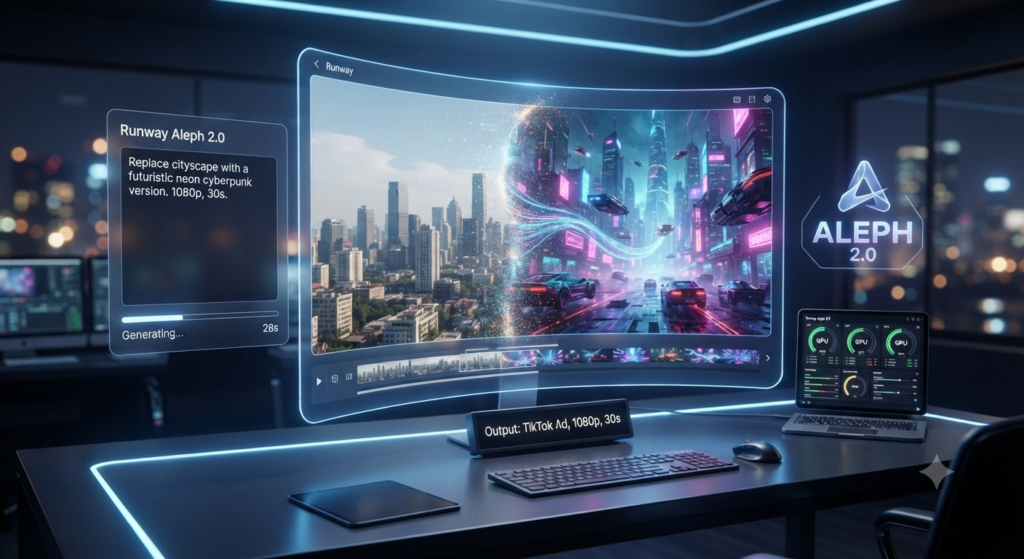
That tool is Runway’s Aleph 2.0, a video editing model that lets creators change footage using natural language instead of frame-by-frame manual work. Where the original Aleph was limited to short experimental clips, Aleph 2.0 handles up to 30 seconds at 1080p, which is enough for a TikTok ad, a YouTube short, or a full commercial spot.
Here’s where GPT Image 2 comes in. Inside Runway’s companion tool, Edit Studio, you pick an image model to prep a single reference frame — and GPT Image 2 is one of the two options, alongside Google’s Nano Banana Pro. You describe the change you want on that one frame, GPT Image 2 renders it, and Aleph 2.0 takes it from there.
Edit One Frame, Update the Whole Clip
This is the part that actually matters for anyone doing real editing work. Say you’ve got an eight-shot commercial and need to swap a product’s color across every angle. Instead of re-shooting or manually editing each cut, you edit one frame with GPT Image 2, upload it, and Aleph 2.0 propagates that change across the rest of the timeline — while keeping the original lighting, shadows, and motion intact.
It works for more than color swaps too. Creators are using the same workflow to change clothing, swap out props, fix continuity errors, or push an entire clip into a different visual style, all while the underlying performance and camera movement stay untouched.
Why This Combo Works So Well
The reason this pairing clicks is that the two tools are solving different halves of the same problem. GPT Image 2 is genuinely good at precise, controlled edits on a still image — it follows detailed instructions and keeps unrelated parts of the frame untouched. Aleph 2.0 is built to take that edited frame and carry it through motion, lighting changes, and multiple camera angles without breaking continuity.
Neither tool alone gets you all the way there. A pure text-to-video generator can’t guarantee it’ll match your exact edit, and a manual frame-by-frame edit doesn’t scale past a few seconds of footage. Chaining GPT Image 2 into Aleph 2.0 solves both problems at once.
How It Compares to Sora
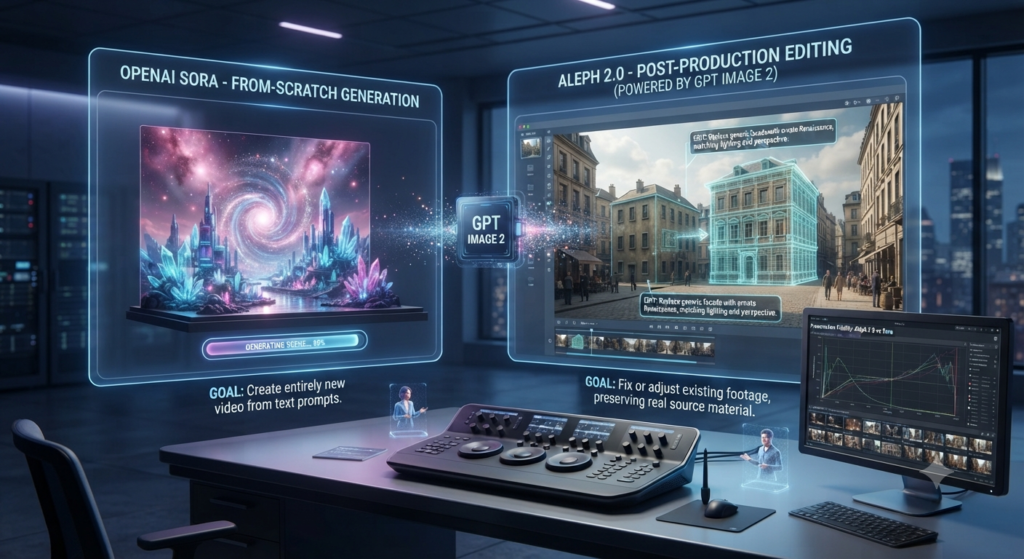
It’s worth being clear that GPT Image 2 and Aleph 2.0 aren’t really chasing the same goal as OpenAI’s Sora. Sora generates entirely new video from a text prompt, which is great for imaginative, from-scratch scenes. Aleph 2.0, powered by a GPT Image 2 edit, is a post-production tool — it works on footage you already have, preserving the real source material instead of replacing it. For creators who need to fix or adjust existing shots rather than dream up new ones, that distinction matters more than raw generation quality.
Should Creators Care?
If your work involves any kind of repetitive video editing — product variants, continuity fixes, style passes across multiple cuts — this GPT Image 2 and Aleph 2.0 combination is worth testing now. It’s available to Runway’s paid subscribers through Edit Studio, and the barrier to entry is low: no coding, just a prompt and a reference frame.
Either way, GPT Image 2 is a good reminder that the most useful AI tools aren’t always the ones built specifically for the job — sometimes it’s an image model finding a second life inside somebody else’s video pipeline.
Further Reading
- Introducing ChatGPT Images 2.0 — OpenAI’s official announcement of GPT Image 2
- Aleph 2.0 — Runway — Runway’s product page for the video editing model
- How to Edit Videos with Aleph 2.0 — step-by-step walkthrough of the GPT Image 2 + Aleph 2.0 workflow
For more AI video breakdowns like this one, check out aianimmedia.com.