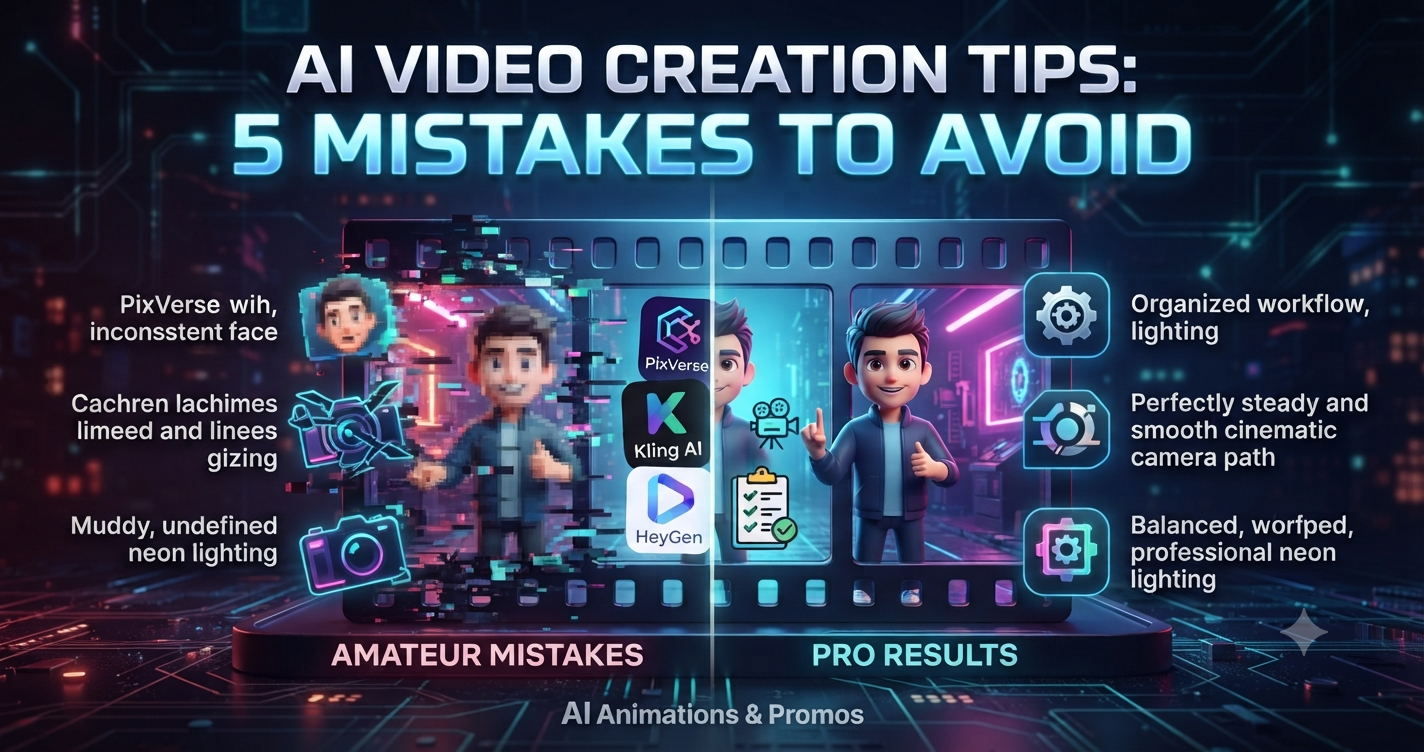
AI Video Creation Tips: 5 Mistakes to Avoid
Looking to improve your content? These AI video creation tips will help you avoid the common traps that make AI-generated clips look amateurish. Whether you’re using PixVerse or Kling AI, the tech is only as good as your workflow. I’ve made plenty of mistakes along the way, so here is a breakdown of what to avoid to help you get professional results for your AI Animations & Promos brand.
Table of Contents
1. Don’t overcomplicate your prompts (AI video creation tips)
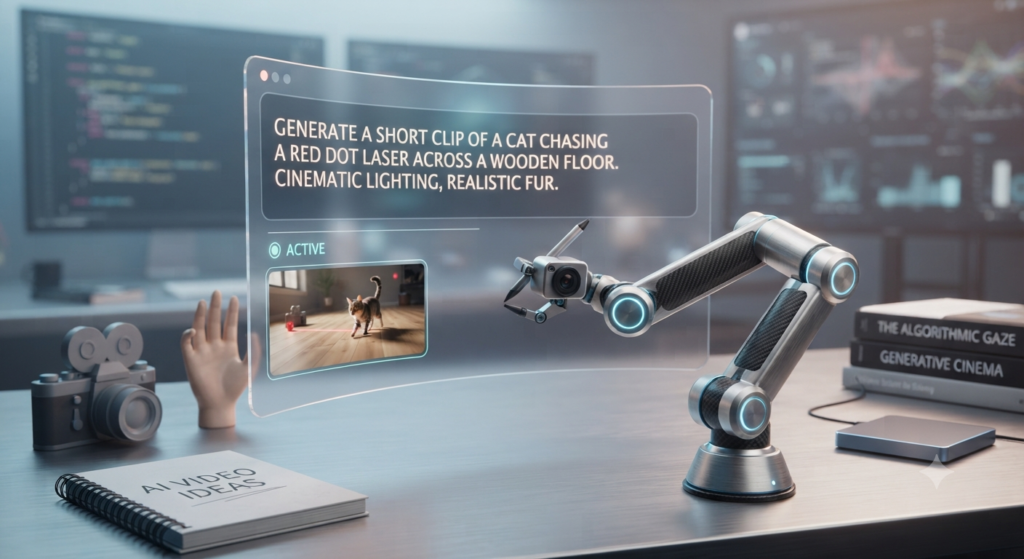
A lot of people think that writing a paragraph-long prompt will result in a better video, but these AI video creation tips suggest otherwise. AI models often get confused by too much noise.
- The mistake: Including unnecessary adjectives or contradicting instructions in a single prompt.
- The fix: Keep it punchy. Focus on the main subject, the style, and the lighting. Let the AI handle the rest—sometimes less is definitely more.
2. Focus on the action, not just camera movement
It is tempting to add zooms or pans to every scene, but this often messes up the image quality.
- The mistake: Using constant camera movement, which can make the AI lose track of your main subject, resulting in shaky or unnatural glitches.
- The fix: Keep the camera steady and let the content be the focus. Make the movement happen through the character’s actions instead of relying on artificial camera tricks.
3. Don’t ignore light and contrast
Since we love that neon, cyberpunk aesthetic here at aianimmedia.com, lighting is everything.
- The mistake: Relying too heavily on extreme darkness with intense neon highlights. This often results in “noisy” pixels and lost details in the dark areas.
- The fix: Balance your light sources. Use your neon colors as accents rather than the only source of light. This keeps the textures sharp and the image clean.
4. Keep your characters consistent
If you’re building a series, you want your audience to recognize your characters immediately.
- The mistake: Redescribing your character from scratch in every prompt, which leads to subtle (and annoying) changes in their face or outfit.
- The fix: If your tool supports it, use a character reference image. If not, create a very specific, short “character profile” that you copy-paste into every prompt to maintain consistency.
5. Stop mixing too many tools
It’s fun to test every new AI tool that pops up, but it kills your brand consistency.
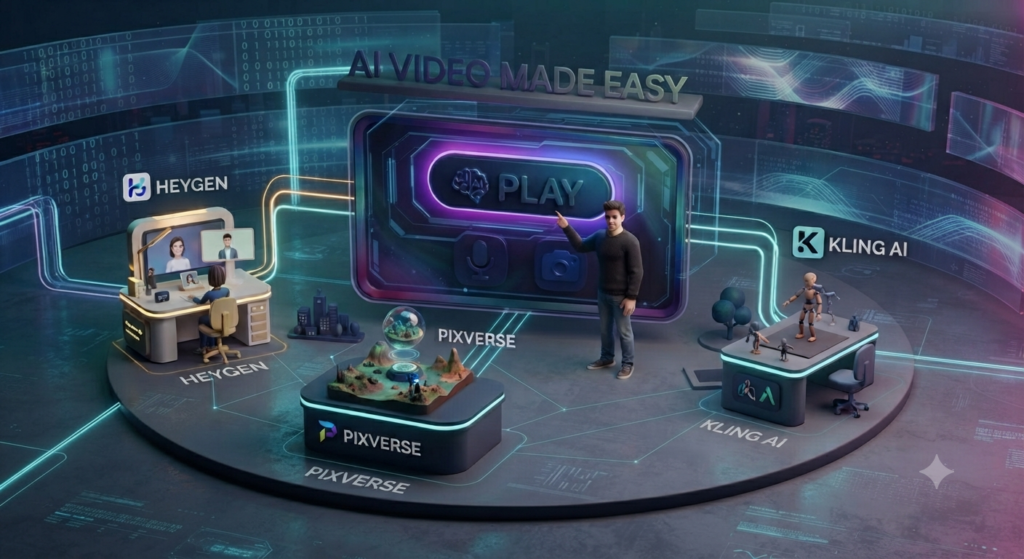
- The mistake: Trying to mash together clips from Kling, PixVerse, and HeyGen in one short video. The different aesthetics often clash and make the video feel disjointed.
- The fix: Pick a primary tool for the specific project and use others only as support. This keeps your AI Animations & Promos content looking unified and intentional.
Pro-Tip: Managing your workflow
Beyond the technical settings, the secret to a great AI video is organization. I recommend keeping a “Prompt Library” in a simple document. By documenting which settings worked, you save hours of trial and error. My best AI video creation tips always boil down to one thing: organization. Don’t just generate and move on; curate your successful prompts. This way, you build a unique creative database that belongs solely to your brand.
Final thoughts on AI video creation tips
The world of AI is all about experimenting, but planning is what separates a random clip from a pro-level video. By following these AI video creation tips, you’ll see a real jump in the quality of your work. Remember: stay consistent, keep your prompts simple, and don’t be afraid to stick with what works for your unique style. Your audience values quality over quantity, and with these adjustments, you are well on your way to becoming a standout creator. If you apply these AI video creation tips today, you will notice a massive difference in your final export quality.
For more tutorials visit our homepage at: aianimmedia.com