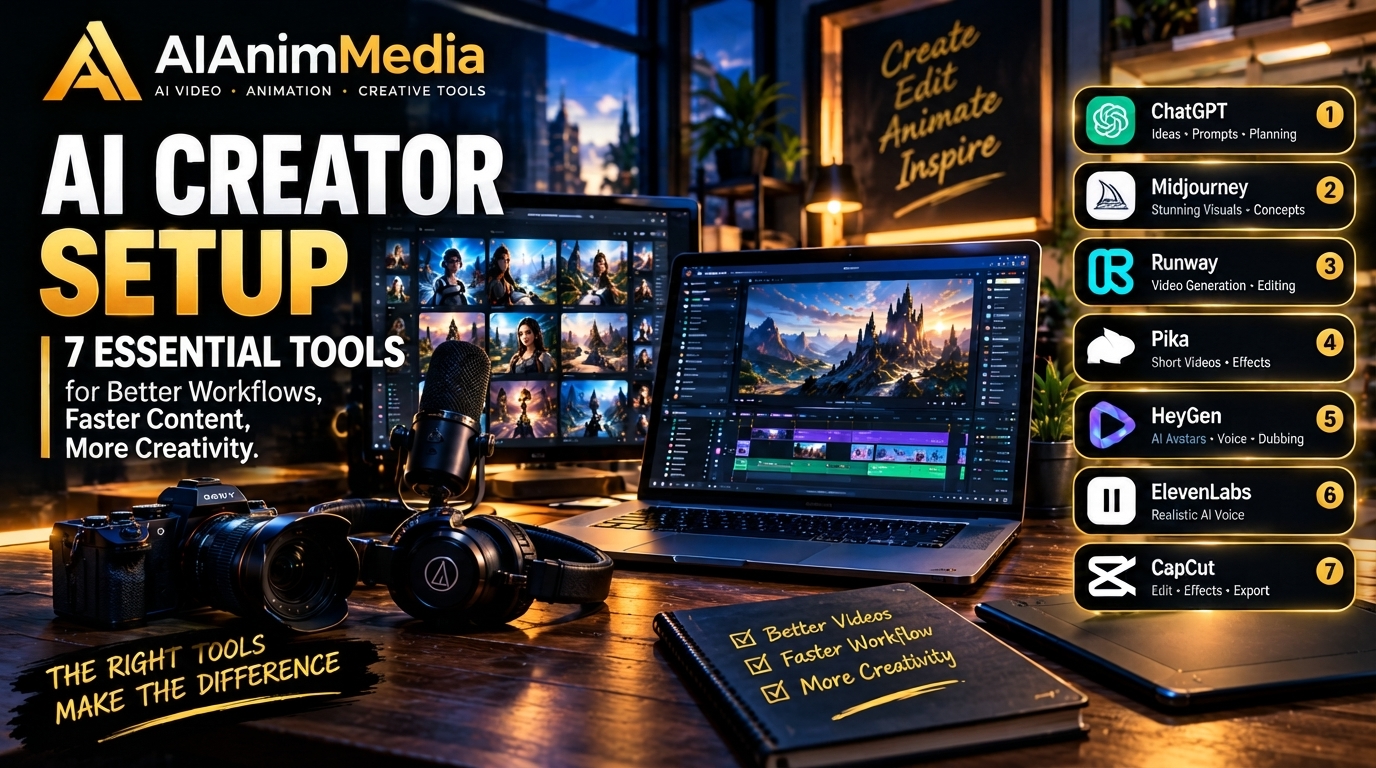
Building Your AI Creator Setup: A Practical Guide to 7 Essential Tools
So you’ve been making AI videos for a while now, and your workflow is starting to feel… clunky. Maybe your webcam makes your AI avatar intros look grainy. Maybe you’re tabbing between five apps every time you record a tutorial. If any of that sounds familiar, it might be time to look at the hardware side of things — not just the AI models you’re using.
This guide walks through 7 AI creator tools that solve real, specific problems in an AI video workflow: capturing better footage, speeding up your editing process, and making your setup feel more like a proper studio and less like a laptop balanced on a stack of books.
Table of Contents
Why Hardware Still Matters in an AI-First Workflow
It’s easy to assume that once AI is generating your video content, your physical setup stops mattering. In practice, it’s the opposite. AI tools are only as good as the inputs you feed them — a blurry webcam feed still makes for a blurry AI avatar reference, and a messy audio recording still needs cleanup before an AI voice tool can do anything useful with it.
The 7 AI creator tools below aren’t about replacing your AI stack. They’re about removing the small frictions around it, so more of your time goes into actually creating..
1. A 4K Webcam for AI Avatars and Streaming
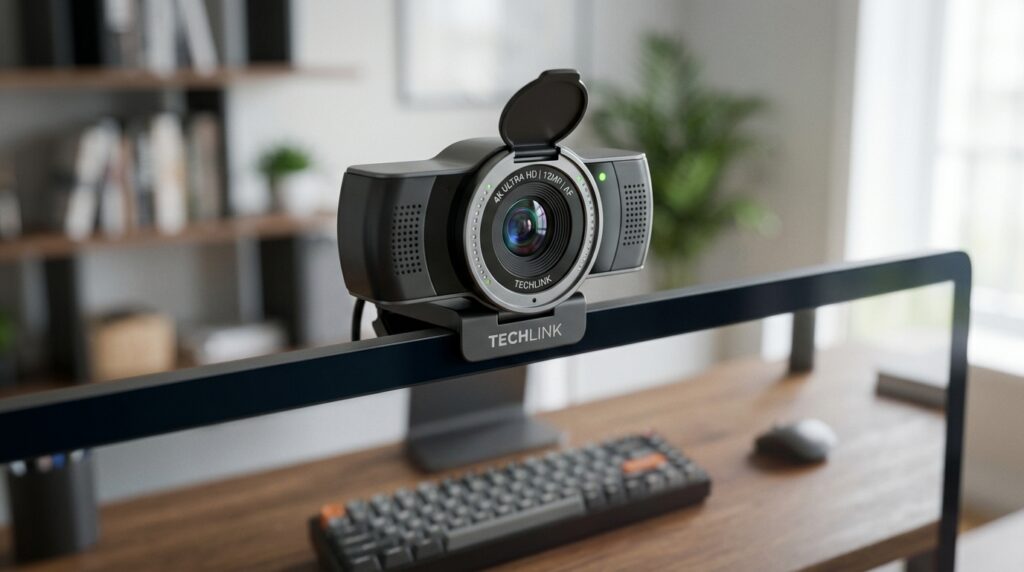
If you’re building AI avatars, recording tutorial intros, or streaming your process, your webcam is one of the most important AI creator tools in your setup — it’s doing more work than you think. A sharp 4K feed like the Logitech MX Brio 4K gives AI avatar tools cleaner reference footage to work with, and it makes live segments (streaming, video calls with collaborators) look noticeably more professional.
Best for: AI avatars, video creation and streaming.
2. A Stream Deck for Faster Workflow Control
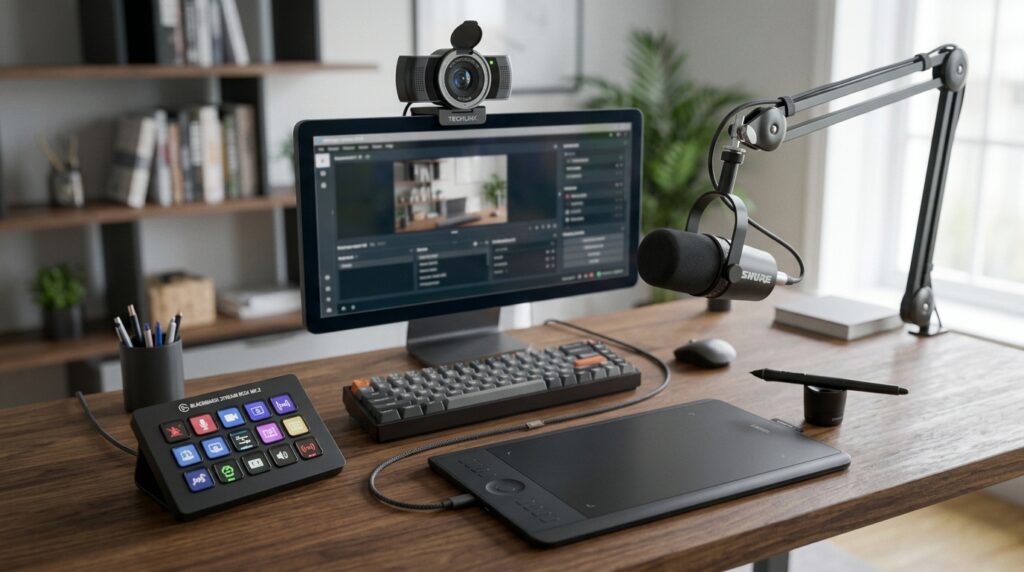
This one surprises people, but among AI creator tools, a Stream Deck is an underrated pick. It isn’t just for Twitch streamers — it’s genuinely useful for anyone juggling multiple apps during an AI video workflow. Assign one button to launch your editing software, another to trigger an OBS scene, another to run a saved AI prompt template. It turns a 5-click process into a single tap.
Best for: Fast workflow control and editing shortcuts.
3. A USB Microphone for Clean Voiceovers
AI voice tools have gotten good, but a solid microphone is still one of the most essential AI creator tools for anyone who records their own narration for tutorials or behind-the-scenes content — and that’s where mic quality shows immediately. The Elgato Wave:3 picks up clear, low-noise audio straight out of the box, which matters if you’re layering AI-generated music or sound effects underneath your voice later.
Best for: Voiceovers, tutorials and podcasting.
4. A Graphics Tablet for Character Art and Animation Assets
Even in an AI-assisted animation pipeline, a graphics tablet is one of the AI creator tools you’ll reach for most — there’s usually a point where you need to touch something up by hand — fixing a stray line on a generated character, sketching a quick storyboard, or masking part of a frame before feeding it back into an AI tool. The Wacom One is a solid, no-fuss option for that kind of precise, manual work.
Best for: Character art and animation assets.
5. A Budget-Friendly Drawing Tablet
Not everyone needs a premium tablet right away. If you’re just starting to bring manual illustration into your AI animation workflow, the XP-Pen Deco gives you real pressure-sensitive pen control without the higher price tag of a display tablet — a good way to test whether hand-drawn touch-ups are worth investing more in later.
Best for: Digital art and illustration on a budget.
6. A Key Light for Studio-Quality Lighting
Lighting is one of those things viewers notice even when they can’t say why, which makes a key light one of the highest-impact AI creator tools for the price. A dedicated light like the Elgato Key Light gives you consistent, adjustable brightness for webcam footage, AI avatar recording sessions, and tutorials — no more fighting with whatever light happens to be coming through your window that day.
Best for: Studio-quality lighting for avatars and tutorials.
7. A Green Screen for Clean AI Backgrounds
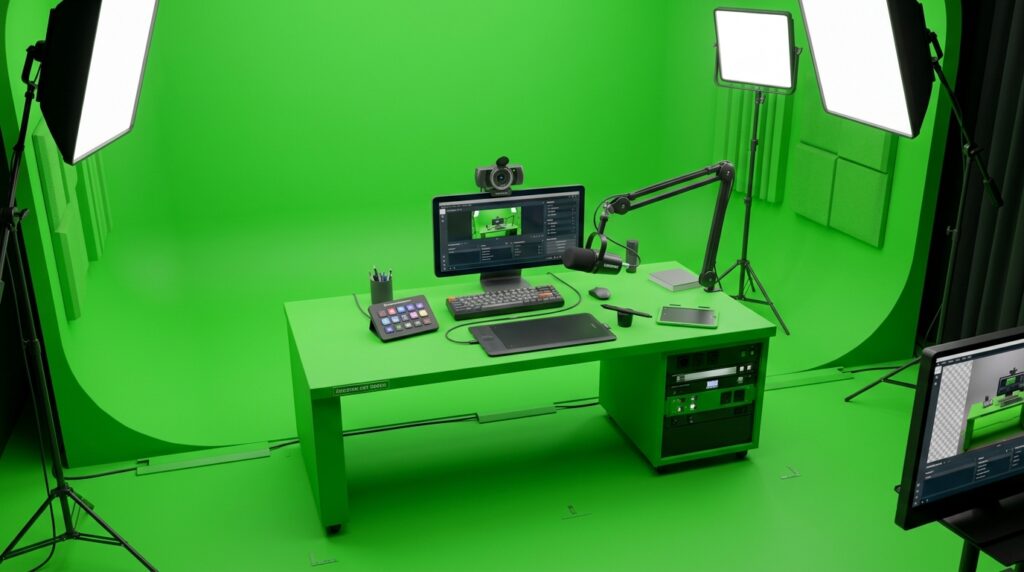
Among AI creator tools built for compositing, a green screen stands out if you’re placing yourself into AI-generated environments — for avatars, virtual sets, or stylized backgrounds — a proper green screen makes that process dramatically easier than trying to key out a cluttered real-world background. It’s a small investment that saves a lot of editing time later.
Best for: AI avatars and creative background composites.
Putting It All Together
You don’t need all 7 of these at once. A good starting point is picking whichever tool solves the problem that’s slowing you down right now — better lighting if your footage looks flat, a mic if your audio is the weak link, a graphics tablet if you keep needing to touch things up by hand.
If you want to see the full breakdown of tools by use case — including editing gear like external storage and cooling pads — check out our Creator Gear page for a side-by-side comparison of what to get first.
This post contains affiliate links. If you purchase through them, AIAnimMedia may earn a small commission at no extra cost to you.