
Kling AI 3.0 Turbo: Is the Speed Hype Actually Real?
Let’s be honest for a second. If you’ve been messing around with AI video generators lately, you know the drill. You type in a prompt, hit generate, and then… you wait. And wait. Sometimes you go make a coffee, come back, and it’s still rendering. It’s frustrating, especially when the result isn’t even what you wanted.
That’s exactly the pain point the new Kling AI 3.0 Turbo is trying to fix. Released in mid-June 2026, this update isn’t about pushing the absolute limits of 4K photorealism. Instead, it’s all about speed. But does it actually deliver, or is it just another marketing buzzword? Let’s break it down.
Table of Contents
What’s the Deal with Kling AI 3.0 Turbo?
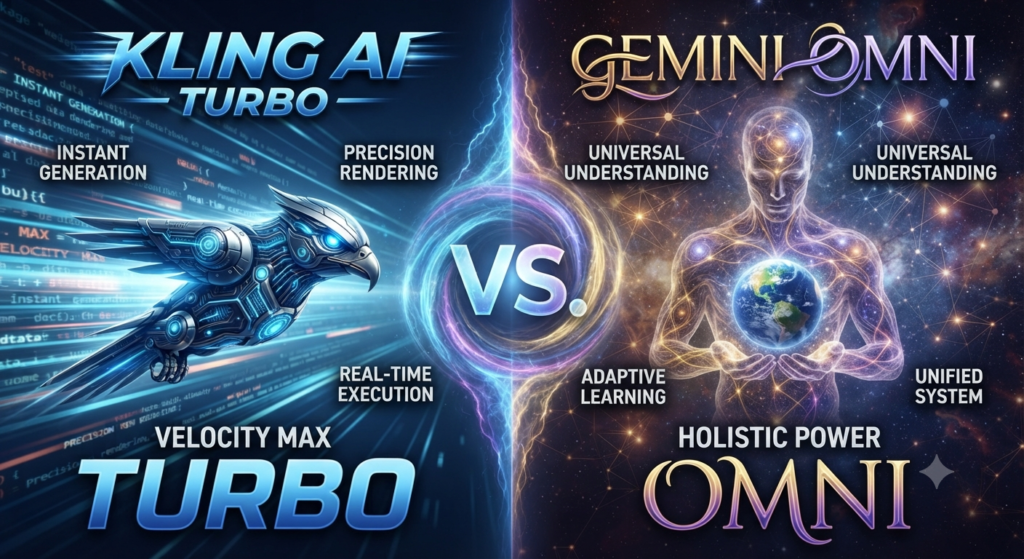
Basically, Kling AI 3.0 Turbo is the stripped-down, highly caffeinated version of their main video model. While the standard “Omni” version takes its sweet time to give you a polished 4K masterpiece, the Turbo mode is built for rapid prototyping.
The team behind Kling AI claims it’s up to 20 times faster than before. In practice, this means you can spit out a 10-second clip in a fraction of the time it used to take. For anyone who relies on trial and error to get the perfect shot (which is basically all of us), this is a massive workflow upgrade.
Want to see Kling AI 3.0 Turbo in action?
Before we dive deeper into the features, sometimes it’s just easier to see how a tool works. This comprehensive tutorial from Atomic Gains will walk you through everything you need to know to start using Kling AI 3.0 like a pro, including some fantastic prompt examples. It’s a great way to get a feel for the interface and the power of the Turbo mode.
Now, let’s get back to the nitty-gritty details of what makes this update so special.
The Features That Actually Matter
I’ve dug into the specs, and here’s what actually stands out with this 3.0 update:
•It’s Fast (Like, Really Fast): You’re getting 1 to 15-second clips in seconds, not minutes. It’s perfect for testing out weird prompts before committing to a high-res render.
•Built-in Audio: This is a big one. You don’t have to drag your silent clip into another app to add sound effects anymore. Kling handles the native audio right there in the platform.
•Shot Consistency: They’ve improved how the model handles multiple shots. If you’re trying to tell a story across a few different angles, the characters and backgrounds don’t morph into completely different things as often.
| Feature | Kling AI 3.0 Turbo | Kling AI 3.0 Omni |
| The Vibe | “Give it to me now” | “Make it look like a movie” |
| Speed | Blazing fast | Grab a snack |
| Resolution | 720p / 1080p | Up to 4K |
| Max Length | 15 seconds | 15 seconds |
| Audio | Yes | Yes (Omni Audio) |
Turbo vs. Omni: Which One Should You Use?
It’s tempting to just default to the highest quality setting, but that’s a rookie mistake. The smart way to use Kling right now is to use Turbo as your sketchpad. Run your prompts through Turbo to see if the motion and composition are working. Once you nail the prompt, then you switch over to Omni for the final, high-res export. It saves a ton of time and credits.
How Does It Stack Up Against the Rest?
The AI video space is crowded right now. We’ve got Google Veo 3.1 making waves, and Seedance 2.5 pushing some serious boundaries.
Veo is great if you’re already living in Google’s world, but Kling 3.0 Turbo is aggressively priced (starting around ¥0.8/sec) and feels a bit more accessible for indie creators. And honestly, with OpenAI Sora seemingly stuck in limbo, Kling is stepping up to fill that void for a lot of people.
A Few Quick Tips for Better Results
If you’re going to jump in and try it, keep these in mind:
1.Don’t get lazy with prompts: Just because it’s fast doesn’t mean it reads your mind. Be specific about lighting and camera movement.
2.Start with an image: The Image-to-Video feature is usually much more reliable than starting from pure text. Generate a good still image first, then let Kling animate it.
3.Turn on the audio: It’s surprisingly decent and saves you a step in post-production.
The Verdict
Kling AI 3.0 Turbo isn’t going to replace a Hollywood VFX team tomorrow. But as a tool for creators who need to move fast and iterate quickly, it’s easily one of the best options on the table right now.
Explore More AI Innovations
Loved this deep dive into Kling AI 3.0 Turbo? The world of AI is moving incredibly fast, and there’s always something new to discover. Don’t miss out on other groundbreaking developments and tools!
•More AI Tools: Explore our curated list of the latest and greatest AI tools for video, image, audio, and more.
•Latest AI News: Stay up-to-date with all the major announcements, breakthroughs, and shifts in the artificial intelligence landscape.
Keep creating, and keep exploring!