
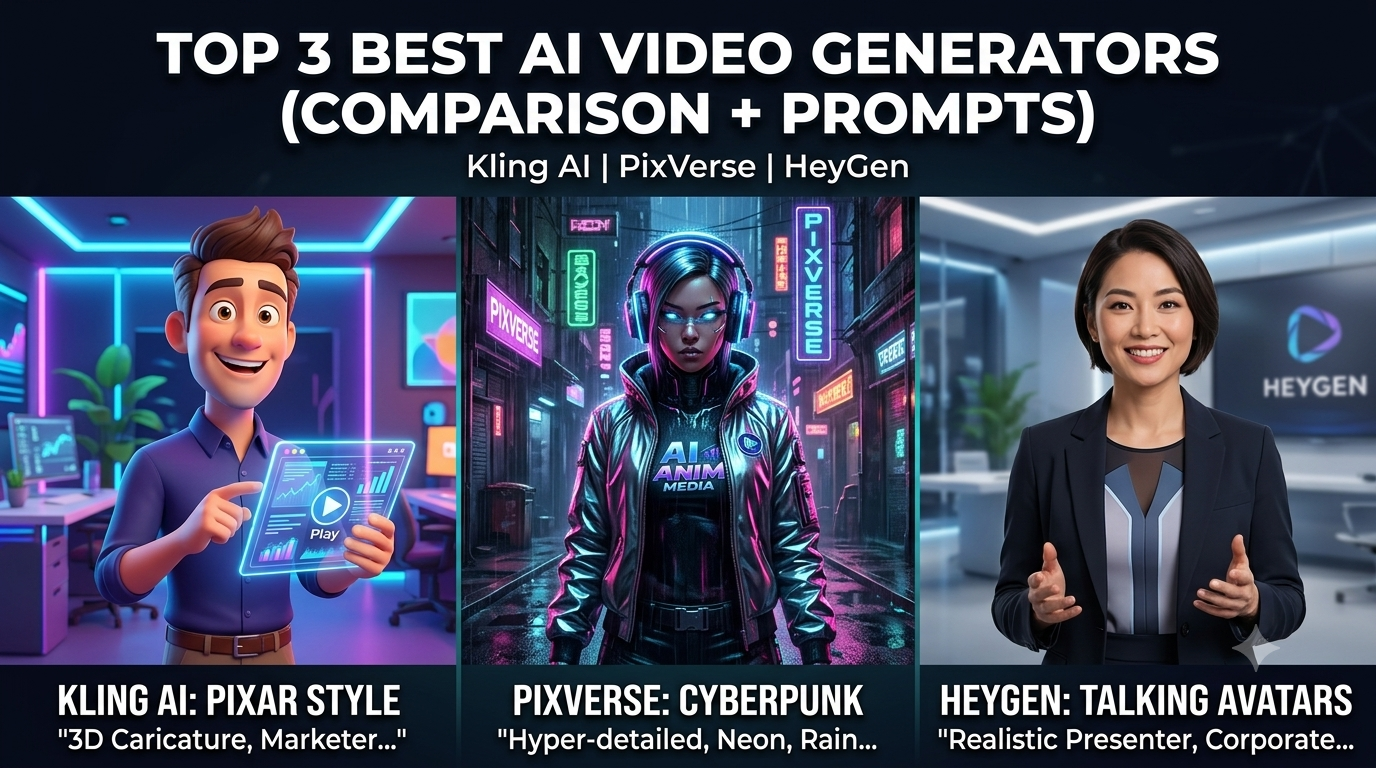
The 3 Best AI Video Generators in 2026 (Comparison + Prompts)
There’s no shortage of “best AI video generators” lists out there, and most of them read like they were written without anyone actually opening the tools. We didn’t want to do that. So instead of just comparing spec sheets, we spent real time in three of the most talked-about AI video generators right now — running the same kinds of prompts we use for actual content, not cherry-picked demo clips.
Here’s what we tested, what held up, and what didn’t.
We ran each tool through the same basic checklist: how realistic (or convincing) the output looked, how much control we had over the final result, how fast we could go from idea to finished clip, and what it actually cost once we were generating regularly instead of just testing once or twice.
Table of Contents
How we tested these AI video generators
We also paid attention to something most comparisons skip — how forgiving each tool is when the input isn’t perfect. Not everyone writing prompts or recording reference footage is a professional, and a tool that only works with flawless input isn’t that useful in practice.
Out of everything we tried, three AI video generators stood out clearly: HeyGen, Kling 3.0, and PixVerse. They’re not solving the same problem, which is actually the point — together they cover almost every situation a creator runs into, from talking-head content to cinematic scenes to fast social clips.
HeyGen — best for avatar and presenter-style videos
HeyGen isn’t really competing in the same lane as the other two tools on this list, and that’s exactly why it earned a spot. If you need a real-looking person talking to camera — explainer videos, course content, ads with a presenter, localized versions of the same script — this is the one built for that job.
In our testing, the current Avatar model held up well across angles and longer clips, not just a single static shot. You can build a digital twin from a short recording, then have it deliver scripts in well over a hundred languages without re-recording anything. There’s also a prompt-to-video mode: describe what you want, attach an avatar and a style, and it builds out the scenes, pacing, and captions for you before you commit any credits.
The tradeoff is scope. HeyGen isn’t the tool for a sweeping cinematic shot of a car on a coastal road — it’s built around people delivering scripts, not open-ended scene generation. Use the right tool for the job.
A cinematic, high-detail closeup shot of a muscular, aggressive action hero featuring an iconic mohawk haircut, intense angry facial expression, and gritted teeth. Dynamic lighting, glowing ember particles floating in the air, hyper-realistic skin texture, 2k resolution, dramatic action-movie atmosphere.
Use HeyGen when the content needs a face and a voice — training videos, ads, multilingual content, anything presenter-led.
Kling 3.0 — best value, and it’s actually gotten really good
Kling used to be the tool people settled for when the budget was tight. That’s not really true anymore. Version 3.0 added multi-shot sequences, so we could keep a character consistent across different angles and cuts within the same generation — something that used to take a lot of manual workaround.
At roughly $0.07 per second of video, it came in dramatically cheaper than most other AI video generators, and in our testing, the quality gap that used to justify the price difference had mostly closed. For anyone generating a high volume of content — daily social posts rather than one hero video a month — this is where the math worked out best.
Copy-and-Paste Prompt Example:
Beautiful dark angel queen with black wings, royal blue gown, walking in an autumn forest, cinematic lighting, 3d animation, hyper-detailed, 8k resolution.
Pro Tip for Kling AI:
To get the absolute best results with this prompt, utilize the camera movement controls in the advanced settings. Setting a slow “Pan Right” or “Zoom In” command helps the AI maintain consistency across the clothing textures and wings without creating unwanted background warping.
PixVerse — best for creators who need speed and simplicity
This is the tool we personally use most for day-to-day content — Instagram clips, animal animations, quick concept tests. PixVerse doesn’t try to be the most cinematic or the most photorealistic of the AI video generators we tested, and honestly, that’s fine. What it does well is get you from idea to finished clip fast, with a prompt style that’s forgiving even when the input isn’t perfectly written.
A few things we learned from actually using it a lot: keep motion strength on medium unless you specifically want chaos, favor a fixed or subtly moving camera over anything too dynamic, and 5-second clips rendered the most reliably in our testing. Left-to-right subject movement also tended to look more natural than right-to-left, for whatever reason.
Copy-and-Paste Prompt Example:
3D Pixar style caricature of a cool hip-hop character with dreadlocks and a baseball cap, energetic pose, fisheye lens perspective, vibrant street art basketball court background, dramatic sunset lighting, hyper-detailed, 8k resolution.
If you’re a solo creator or running a content account and need to publish often, PixVerse is the one that won’t burn you out. (We’ve also tested PixVerse’s upscale feature separately, if you want to push clip quality further after generating.)
So which AI video generator should you actually use?
Based on our testing, this really comes down to what kind of content you’re making, more than picking one “best” tool. Creators we’ve talked to tend to use PixVerse for daily content, reach for HeyGen when the video needs a person talking, and lean on Kling when they need to batch-produce cinematic-style clips without blowing the budget.
If you’re starting from scratch: for presenter and avatar content, go HeyGen. For value and volume, go Kling 3.0. For speed and ease on quick social clips, go PixVerse.
Quick comparison
| Tool | Best for | Rough cost | Learning curve |
|---|---|---|---|
| HeyGen | Avatars, presenters, multilingual scripts | Mid-High | Moderate |
| Kling 3.0 | Volume, consistency, budget | Low | Moderate |
| PixVerse | Speed, social content, beginners | Low-Mid | Easy |
FAQ
Is HeyGen worth it if I’m not making corporate training videos? Yes, if your content needs a face and a voice — course content, ads, product explainers, or multilingual versions of the same script. If you don’t need a presenter at all, Kling or PixVerse will fit better.
Can Kling 3.0 keep a character consistent across multiple shots? Yes, that’s one of the bigger upgrades in version 3.0. It handled multi-shot consistency noticeably better than earlier versions in our testing.
Do I need to be good at prompting to use PixVerse? Not really. It’s more forgiving than most tools, which is part of why it’s a good starting point if you’re new to AI video.
What’s the best AI video generator for beginners in 2026? For most beginners, PixVerse is the easiest entry point among current AI video generators — simple prompts, fast turnaround, and a lower cost of experimenting while you learn what works.
What’s the biggest mistake people make with AI video prompts? Overloading the prompt with too much detail at once. Simple, specific prompts — one clear subject, one clear action, one clear setting — tend to generate better results than a paragraph trying to describe everything.
For more tutorials and the latest updates, visit our homepage at: https://aianimmedia.com/