
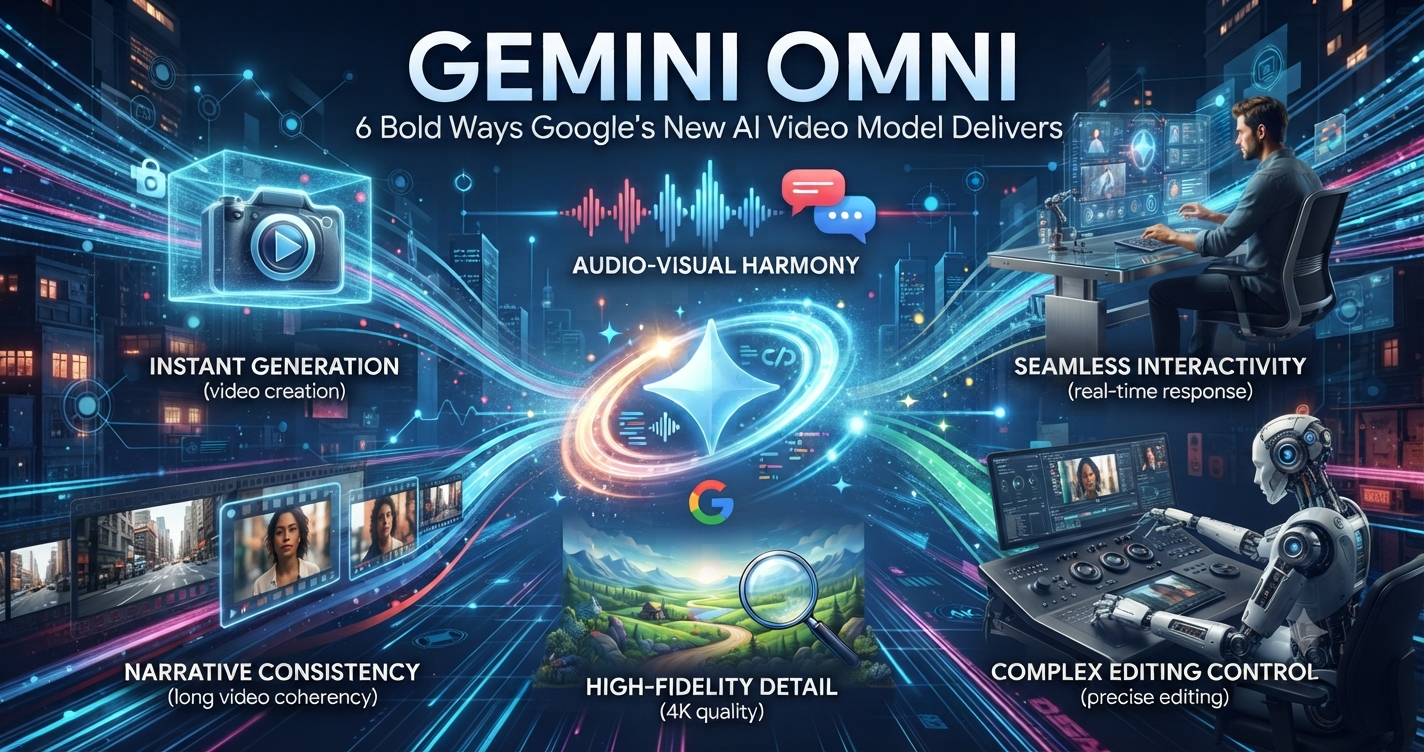
Gemini Omni: 6 Bold Ways Google’s New AI Video Model Delivers
Google just quietly swapped out one of its biggest AI tools. Gemini Omni is now stepping in for Veo inside the Gemini app, and it’s a bigger deal than the low-key rollout would suggest.
Table of Contents
What Gemini Omni Actually Is
Gemini Omni is Google’s new creation model, and the pitch is simple: feed it video, images, audio, or text, and it generates a video that pulls all of that together into something coherent. The first version, Gemini Omni Flash, is already live for Google AI Plus, Pro, and Ultra subscribers through the Gemini app and Flow, and it’s free on YouTube Shorts and the YouTube Create app too.
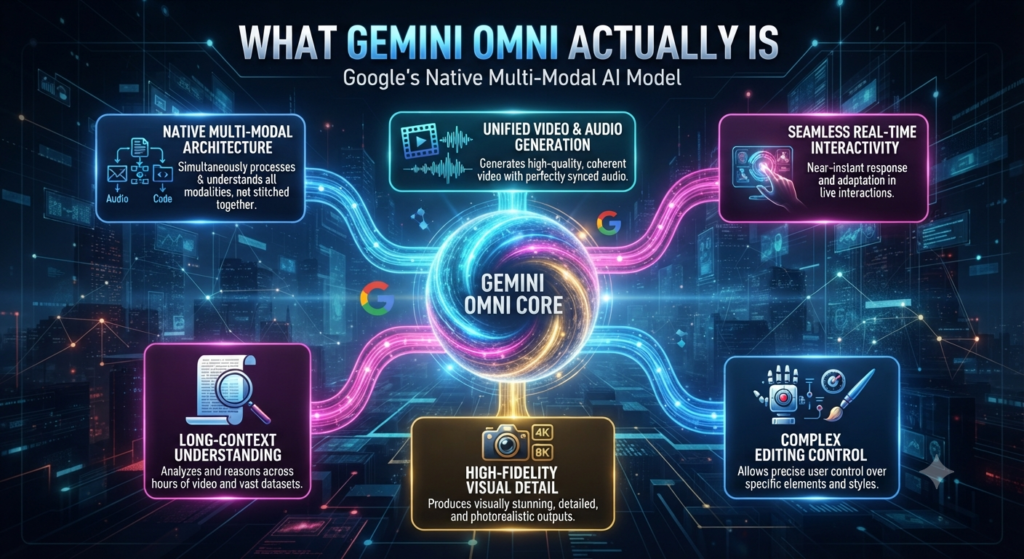
What actually sets it apart is the reasoning underneath. Most tools just render whatever you type. Gemini Omni looks at what you hand it — a photo, a clip, a song — and tries to match the mood or motion of that reference instead of ignoring it.
Say Goodbye to Veo (Sort Of)
Here’s the part that surprised a lot of people: Gemini Omni is replacing Veo as the default engine inside the Gemini app. Veo isn’t going anywhere entirely — it’s still running things like Google Vids and Flow — but if you’ve been prompting Veo inside Gemini, you’re now talking to Omni instead. That’s a real shift, considering how much of a name Veo built for itself on realistic physics and cinematic output.
The upside is that video-to-video editing now lives in the same window, so you’re not bouncing between separate tools to tweak what you already made.
AI Avatars Without the Re-Uploads
One feature people keep bringing up is the avatar system. Instead of uploading your photo every single time, you set up a digital avatar once and reuse it whenever you want to appear in a clip. It’s opt-in, and only your own account can use your avatar — nobody else gets to borrow your face.
This isn’t happening in a vacuum either. A lot of AI video platforms are chasing the same “consistent character” problem right now, and Gemini Omni is clearly built to compete on that front.
Mixing Inputs Like Never Before
This is the part that’s genuinely a little different. You can hand Gemini Omni an image for style, a clip for camera movement, and a track for pacing, and it’ll blend all three into one generation. Google’s own demo reel includes a claymation-style science explainer and a walk-cycle animation that shifts styles mid-clip, all from a single prompt.
If you make explainer videos or short-form content, that’s less time spent stitching separate tools together after the fact — Omni does a chunk of that blending before you even get to editing.

Watermarks and Verification Baked In
Every clip Gemini Omni generates carries an invisible SynthID watermark, and Google’s expanding the tools that let people check whether something — video, image, or audio — was AI-made. You can literally upload a file into Gemini and ask it to check.
Given how much heat AI video has taken over misuse, this kind of built-in check is turning into table stakes rather than a bonus feature.
How Gemini Omni Stacks Up
The field’s crowded these days. Veo 3.1 still wins on photorealism, Sora 2 holds its own on physics, and Kling’s carved out a strong lane in stylized and anime output — it even added real-time collaborative editing recently. Gemini Omni’s angle is different: instead of “type a prompt, get a clip,” it’s built to actually understand and combine several kinds of input at once, and not many competitors are doing that at the same level yet.
Is Gemini Omni Worth Switching To?
If you’re a regular Gemini app user, you don’t really have a choice to make — the switch already happened. If you’re picking between platforms for actual creative work, Gemini Omni is worth testing on projects where you’re mixing reference material, since that’s where it currently has room to pull ahead.
Either way, this is one more sign AI video tools are drifting away from simple prompt-to-clip generation and into something closer to an actual creative partner.
Further Reading
- Introducing Gemini Omni — Google’s official overview of the new model and avatar features
- Google I/O 2026: News and announcements — full rundown of everything shown alongside Gemini Omni
- Veo 3.1 — Google DeepMind — background on the model Gemini Omni is replacing inside the Gemini app
You might also like: More AI News