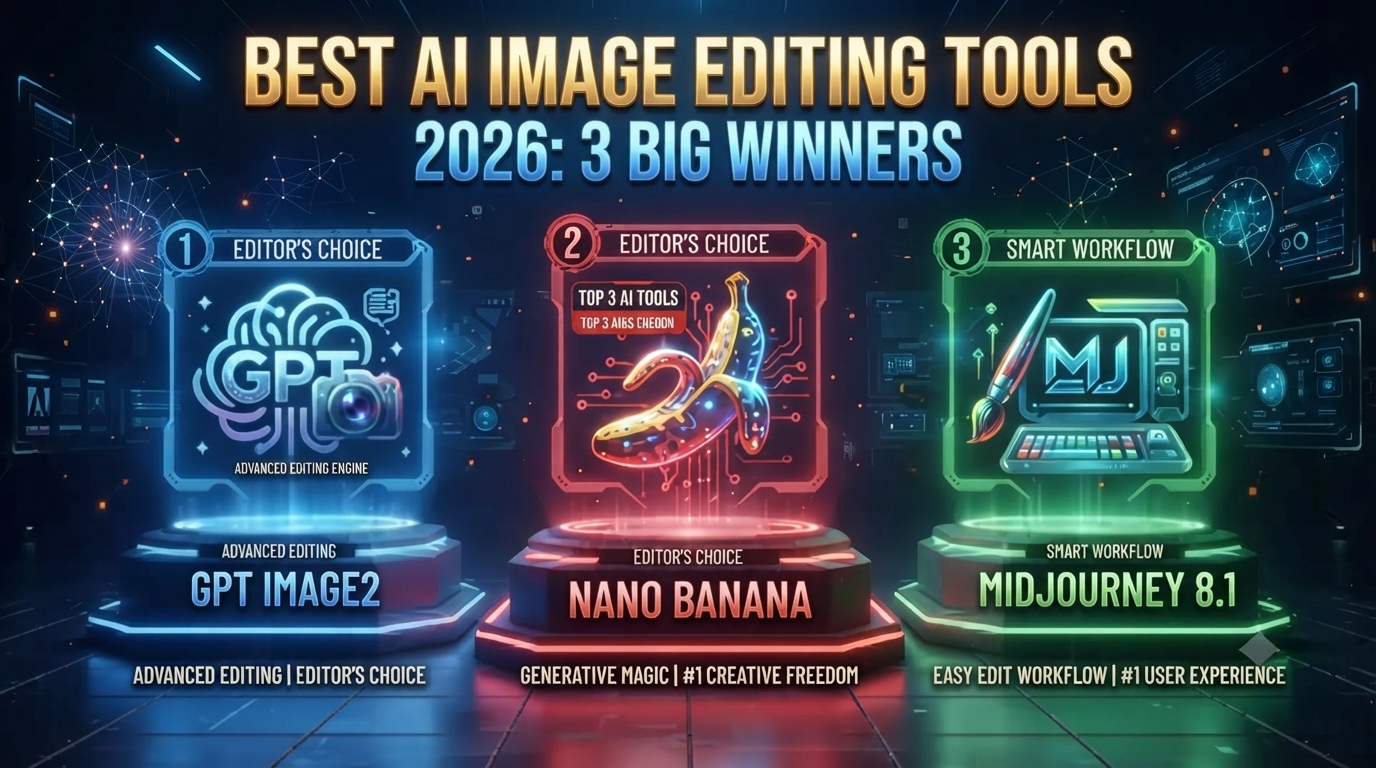
Best AI Image Editing Tools 2026: 3 Big Winners
Midjourney used to just… win, basically by default. Everything else was fighting for second place. Not anymore. Right now the best AI image editing tools split into three genuinely different camps, and picking the wrong one means paying for stuff you don’t actually need.
Table of Contents
GPT Image 2: The New Text-and-Accuracy Leader
GPT Image 2 showed up in late April and jumped straight to the top of the Image Arena leaderboard — by a lot, apparently the biggest first-to-second gap that leaderboard’s ever seen. Among AI image editing tools right now, the real draw is text rendering. Independent tests put it around 99% character accuracy across Latin, CJK, Hindi, and Bengali scripts. That’s a genuine leap from where things stood just a few months back.
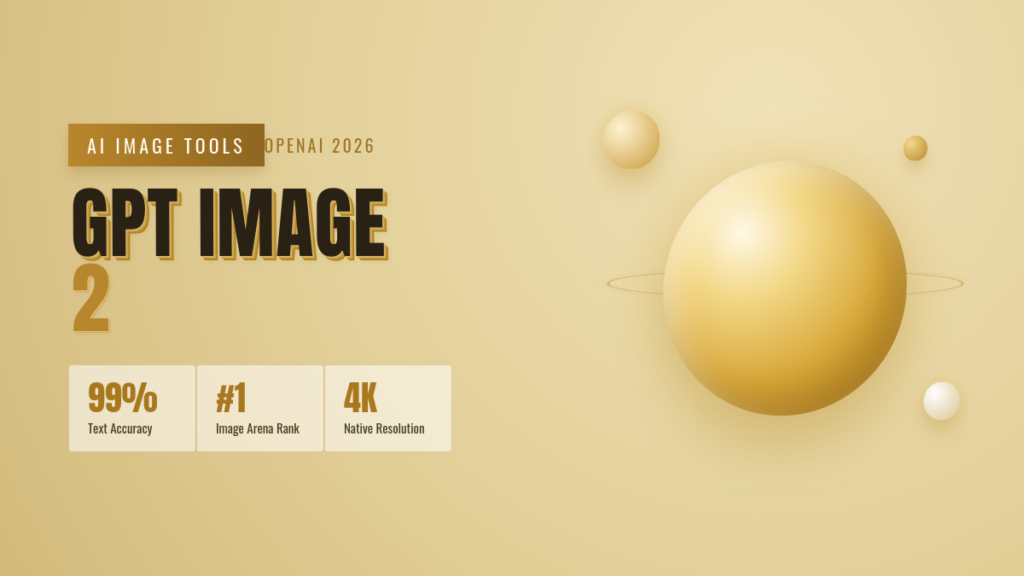
It also added a reasoning step before it actually renders anything — plans the layout first instead of just guessing and hoping. That costs you some time, 15 to 30 seconds isn’t unusual, but if you’re making text-heavy marketing graphics or product mockups where the words need to actually be readable, it’s a fair trade. Of the AI image editing tools built for that specific job, this is currently the sharpest one.
Nano Banana Pro: Google’s Photorealism Play
Nano Banana Pro — officially Gemini 3 Pro Image, though nobody calls it that — held the photorealism crown through most of early 2026, and it’s still a real contender among AI image editing tools when the goal is “looks like an actual photo.” Clean skin, natural light, environments that don’t feel fake. Earned reputation, not hype.
Where it really pulls ahead is prompt accuracy on busy scenes. Ask for two dogs and one cat in specific colors, and you get two dogs and one cat, not three animals in whatever shade felt right to the model. Native 4K, SynthID watermarking baked in, and it’s priced per image instead of a flat subscription — handy if your volume swings month to month.
Midjourney V8.1: Still the Artistic Choice
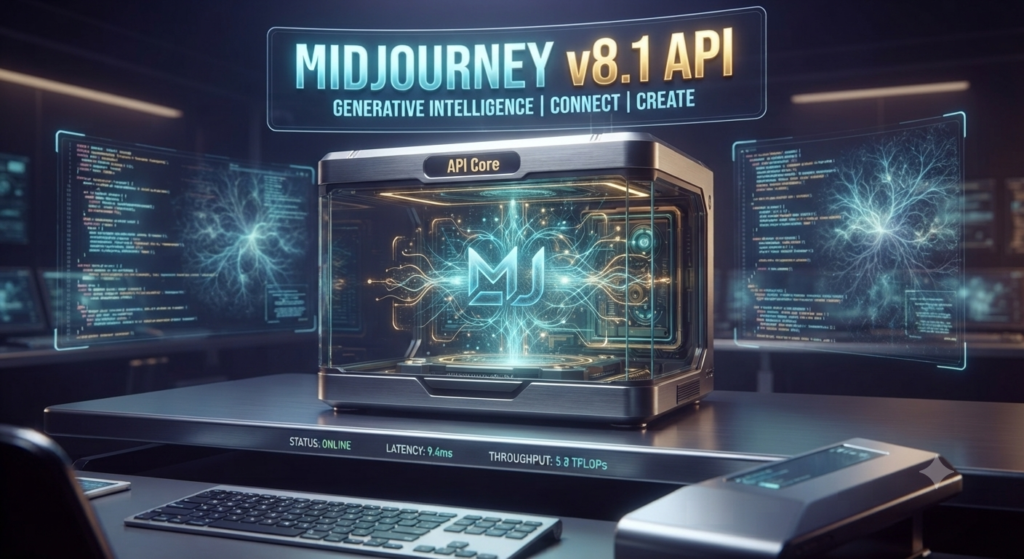
Midjourney V8.1 isn’t really trying to win the same benchmarks as the other two, and honestly, that’s the whole point. If what you want is cinematic lighting, illustration work, concept art, something that feels art-directed rather than just accurate — this is still where people go among AI image editing tools. V8.1 brought 2048×2048 as the default resolution and generation speeds that don’t feel like a coffee break anymore.
Worth being straight about the tradeoff, though: Midjourney lags on precision. Ask for an exact hex code or a specific number of objects and it’s shakier than the other two. It’s less about following instructions to the letter and more about just having good taste built in.
Where Each One Actually Wins
Breaking it down by what you’re actually making: text-heavy marketing graphics and product shots — GPT Image 2. Photorealistic composites, busy multi-subject scenes, anything needing an exact color or count — Nano Banana Pro. Moodboards, concept art, stylized campaigns — still Midjourney V8.1. None of these three AI image editing tools is really trying to be everything for everyone, which honestly is a healthy sign for where this category’s headed.
Which AI Image Editing Tool Should You Pick?
Not sure where to start? Nano Banana Pro’s cheaper sibling has a decent free tier — try that first. Add GPT Image 2 once you need something polished with accurate text. Only bring Midjourney into the mix if you keep missing a specific look the other two just can’t nail. Most people choosing between AI image editing tools end up running two of the three rather than committing to just one, and that’s usually the right call unless your budget forces a single pick.
Further Reading
- Introducing ChatGPT Images 2.0 — OpenAI’s official announcement of GPT Image 2 Nano Banana Pro: Your New Creative Partner — Google’s official developer blog post on Gemini 3 Pro Image Midjourney Version Documentation — official changelog covering the V8.1 release and HD mode
You might also like: More AI Tools Coverage on aianimmedia.com