
How to Keep AI Characters Consistent Across Multiple Videos
If you’ve spent more than a week making AI videos, you already know the pain. You generate a character you love, run the next clip, and suddenly they’ve got a different nose, a different jacket, or their eyes changed color. AI character consistency is probably the single most annoying problem in this whole space right now, and honestly, nobody’s fully solved it yet. But there are ways to get a lot closer, and that’s what this post is about.
Table of Contents
Why AI Character Consistency Breaks Down Between Generations
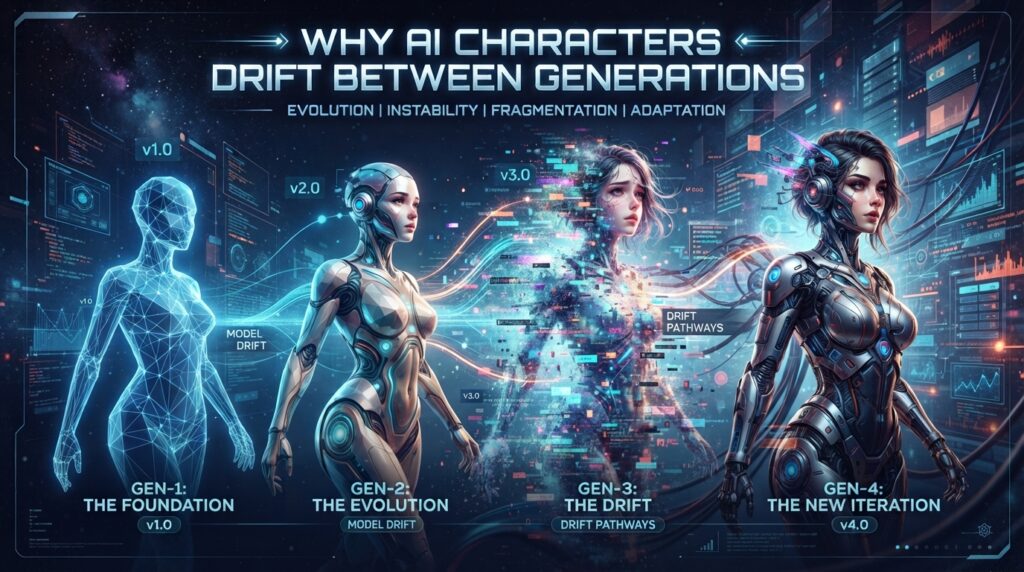
Every time you generate a new clip, the model is basically starting from scratch unless you give it something to anchor to. There’s no “memory” of the character baked in — it’s re-imagining them each time based on your prompt and whatever reference material you fed it. Small wording changes, different camera angles, even a different time of day in the scene can nudge the model into drawing a slightly different face or outfit. This is just how diffusion-based video generation works right now, so don’t assume you’re doing something wrong if it happens.
Reference Images Are Your Best Friend
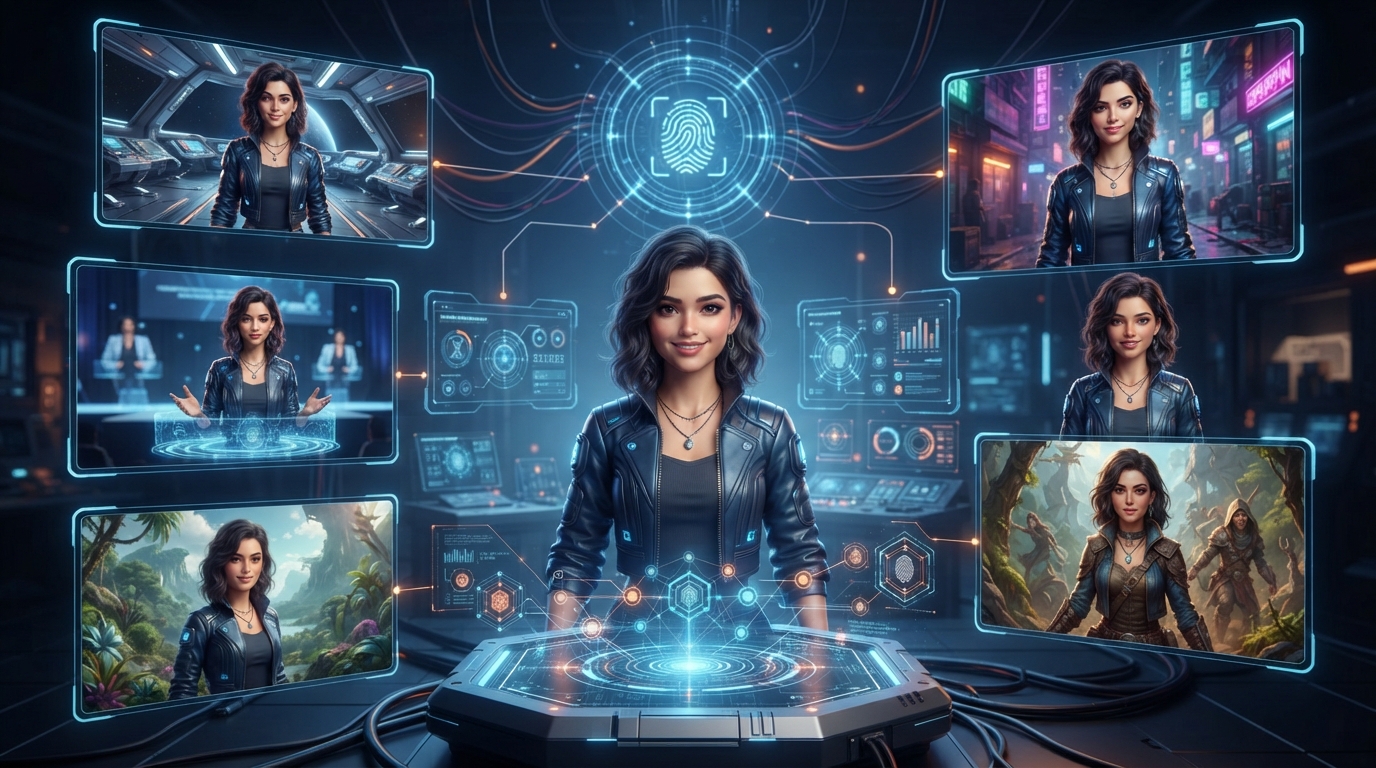
The single biggest improvement I’ve found is feeding the same reference image (or a small set of them) into every generation of that character. Most tools now support image-to-video or character reference uploads — use them every single time, not just for the first clip. If you generated your character from a text prompt originally, screenshot the best frame and turn that into your reference going forward instead of re-typing the same description and hoping for the best.
A few reference tips:
- Use a clean, front-facing shot with good lighting as your “master” reference
- Keep a folder per character so you’re not hunting for the right file each time
- If the tool lets you upload multiple angles, do it — front and 3/4 profile helps a lot
Seed Locking (And Why It Only Gets You Halfway)
Locking the seed number keeps a lot of the underlying “randomness” the same between generations, which helps with things like overall color palette and general vibe. But it won’t save you if you change the prompt significantly — a new pose, new background, or new action can still pull the character’s features in a different direction even with the same seed. Think of seed locking as a helper, not a fix.

Prompt Structure Tricks That Actually Help
How you write the prompt matters more than people think. A few things that have made a real difference for me:
- Be hyper-specific and repeat the same phrasing every time. If you described her as “curly auburn hair, green eyes, silver hoop earrings” in clip one, use those exact words again in clip five. Don’t paraphrase.
- Front-load the character description before you describe the action or scene.
- Avoid vague adjectives like “pretty” or “cool-looking” — they leave too much room for the model to reinterpret.
- Keep camera motion simple. Static or subtle camera movement preserves detail a lot better than fast pans or zooms, which is also just generally true for keeping any fine detail intact.
Tool-by-Tool Notes
PixVerse handles character reference uploads well and tends to hold onto clothing details better than most. If you haven’t already, check out our full PixVerse tutorial for a step-by-step walkthrough of the upload process. Get started with PixVerse through our affiliate link — worth trying before committing to a paid plan.
Kling AI is strong on facial consistency specifically, but can drift more on outfits and backgrounds between clips — see our MiniMax H3 vs Kling AI 3.0 comparison for a closer look at how it handles character detail.
MiniMax does well with motion quality but I’ve noticed more drift on smaller details like accessories or hairstyles across longer sequences.
None of them are perfect. Honestly, the tool matters less than the workflow you build around it.
An AI Character Consistency Workflow That’s Actually Worked For Me
- Generate or find your character’s “hero” reference image
- Write out a fixed character description block and save it somewhere (notes app, doc, whatever) — copy-paste it every time, don’t retype from memory
- Upload the reference image alongside that same text block for every new clip
- Keep camera motion minimal on early tests until you know the character’s holding up
- Review each clip against the reference before moving to the next one — catch drift early rather than after five clips
It’s not a perfect science yet, but combining a locked reference image with a fixed, repeated text description gets you noticeably further than either one alone.