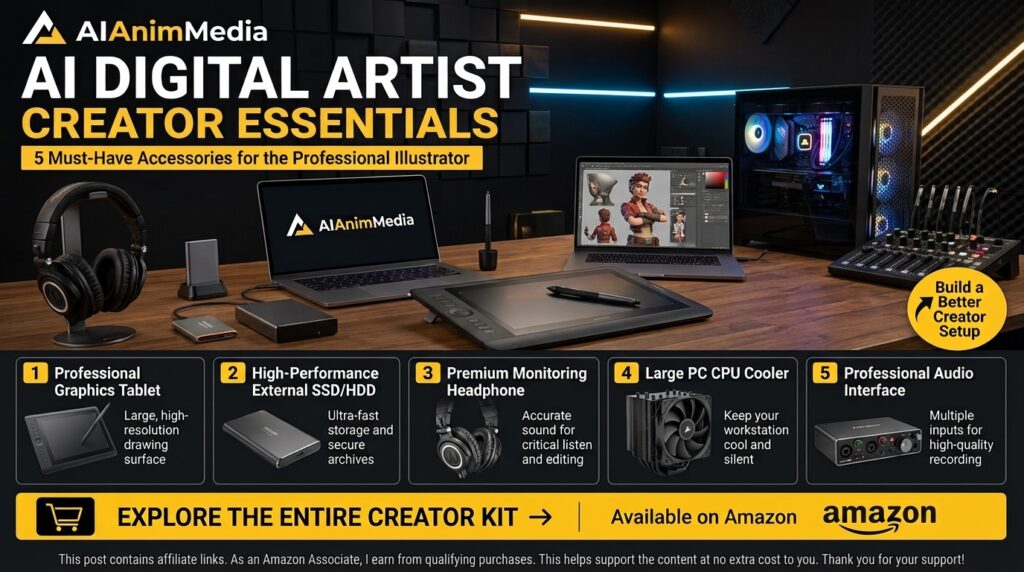
Affiliate Disclosure: Some links on this page are affiliate links. If you purchase through them, we may earn a small commission at no additional cost to you. As an Amazon Associate I earn from qualifying purchases.
Table of Contents
Build a Better AI Video Creator Gear Setup
Whether you’re generating AI videos, editing talking-head content, or building an AI avatar setup, the right gear makes a bigger difference than most creators expect. A clean webcam feed, distortion-free audio, and enough storage to handle large AI video exports can save hours of frustration — and make your finished content look far more professional.
This page collects the tools we actually recommend for an AI video creator workflow: from editing essentials like a reliable graphics tablet and fast external storage, to streaming and avatar gear like 4K webcams, key lights and green screens, all the way to drawing tablets for character and asset creation.
Each pick below is chosen for a specific job — use the tables to jump straight to what fits your setup.
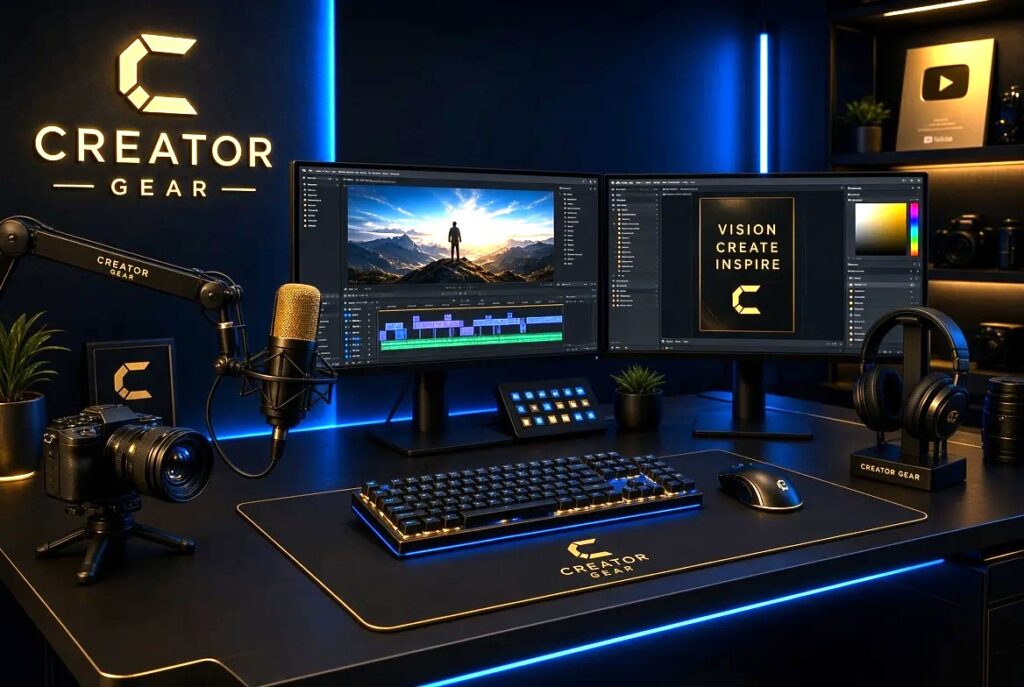
This creator gear list covers everything from cameras and mics to editing tools — hand-picked for AI video workflows.
Editing Creator Gear You’ll Need
Once the footage is shot, here’s what makes editing your AI videos faster and smoother.
Sony MDR-7506
A long-time industry favorite for a reason: these closed-back studio headphones deliver accurate, uncolored sound so you can trust what you hear. Great for monitoring audio, spotting glitches in AI-generated clips, checking mixes and recording clean voiceovers while you edit.
VIEW PRODUCT →🖊️ Editing Essentials
Wacom Intuos Small
A compact, pressure-sensitive drawing tablet that gives you far more control than a mouse ever could. Perfect for masking, retouching, rotoscoping and any fine detail work where precise, natural hand movement makes editing noticeably faster.
CHECK PRICE →Logitech MX Master 3S
A premium wireless mouse with quiet clicks, an ultra-precise 8K DPI sensor and a smooth scroll wheel built for flying through long timelines. Customizable buttons let you assign shortcuts for the actions you repeat most during editing sessions.
CHECK PRICE →🖥️ Display
Samsung 27″ Essential S3 (S36GD)
A 27″ curved Full HD display that wraps gently around your field of view, reducing eye strain during long sessions. The extra screen space gives you plenty of room for timelines, preview windows, reference footage and multitasking side by side without constantly switching tabs.
CHECK PRICE →💾 Storage & Cooling
SanDisk 2TB Extreme Portable SSD
Fast, rugged and pocket-sized portable storage with 2TB of space — plenty of room for large AI video projects, raw source clips, project backups and finished exports. Rated for drops and water resistance, so it can travel with you without worry.
CHECK PRICE →TopMate C11 Laptop Cooling Pad
Multiple quiet fans and an ergonomic tilted stand that boost airflow underneath your laptop, keeping temperatures down and performance steady during long editing, exporting and rendering sessions where your machine would otherwise throttle or overheat.
CHECK PRICE →📷 Camera & Webcam
Insta360 Link 2
A 4K AI webcam with intelligent subject tracking that follows you as you move around the frame, so you’re never stuck sitting still. Ideal for tutorials, screen-recorded presentations, live streams and hands-on demo videos where a natural, dynamic shot matters.
CHECK PRICE →Which Creator Gear Do You Need?
Not sure where to start?
| If you want… | Start with… |
|---|---|
| 🎧 Featured | |
| Clean audio monitoring for edits | Sony MDR-7506 |
| 🖊️ Editing Essentials | |
| Precise editing, masking and touch-ups | Wacom Intuos Small |
| Smooth, quiet clicks for long editing sessions | Logitech MX Master 3S |
| 🖥️ Display | |
| More screen space for timelines, previews and multitasking | Samsung 27″ Essential S3 (S36GD) |
| 💾 Storage & Cooling | |
| Fast portable storage for large AI video projects | SanDisk 2TB Extreme Portable SSD |
| To keep your laptop cooler during long renders | TopMate C11 Laptop Cooling Pad |
| 📷 Camera & Webcam | |
| AI-tracking 4K webcam for clean footage and talking-head shots | Insta360 Link 2 |
Level Up Your Creator Setup
A few more creator gear picks that make AI video creation, streaming and editing smoother.
🎥 Streaming & Avatar Setup
Logitech MX Brio 4K
A 4K webcam with sharp detail and AI image enhancement for AI avatars, tutorials, talking-head videos and creator content. A strong choice when clear image quality is the priority. Best for: AI avatars, 4K video & tutorials.
Best for: AI avatars, video creation & streaming.
CHECK PRICE →Elgato Key Light
A professional LED light designed for creators. It provides adjustable lighting for webcams, AI avatars, tutorials, streaming and video recording.
Best for: Studio-quality lighting for avatars & tutorials.
CHECK PRICE →Elgato Green Screen
A simple way to create clean backgrounds and combine real footage with AI-generated environments. Useful for AI avatars, tutorials and creative video production.
Best for: AI avatars & creative background composites.
CHECK PRICE →🎙️ Audio
Elgato Wave:3
A USB microphone designed for creators who want clear, high-quality audio. Great for AI video voiceovers, tutorials, streaming, podcasts and narration.
Best for: Voiceovers, tutorials & podcasting.
CHECK PRICE →🖊️ Drawing & Animation
Elgato Stream Deck
A customizable control pad that makes creative workflows faster. Use it to launch apps, trigger shortcuts and control your video-editing or AI tools with a single button.
Best for: Fast workflow control & editing shortcuts.
CHECK PRICE →Which Gear Should You Add Next?
Not sure where to start?
| If you want… | Start with… |
|---|---|
| 🎥 Streaming & Avatar Setup | |
| Sharp video for AI avatars & streaming | Logitech MX Brio 4K |
| Studio-quality lighting on camera | Elgato Key Light |
| Clean backgrounds for AI environments | Elgato Green Screen |
| 🎙️ Audio | |
| Clear voiceovers & narration | Elgato Wave:3 |
| 🖊️ Drawing & Animation | |
| Character art & animation assets | Wacom One |
| Affordable digital art & illustration | XP-Pen Deco |
| ⚡ Workflow | |
| Faster creative workflows | Elgato Stream Deck |
Create Better AI Videos
Explore more creator gear picks and AI video tutorials on AIAnimMedia.
All creator gear on this page is hand-picked for AI video workflows.
Affiliate Disclosure: Some links on this page are affiliate links. If you purchase through them, we may earn a small commission at no additional cost to you. As an Amazon Associate I earn from qualifying purchases.