The Best Sora 2 Alternative? Here’s Where Creators Went
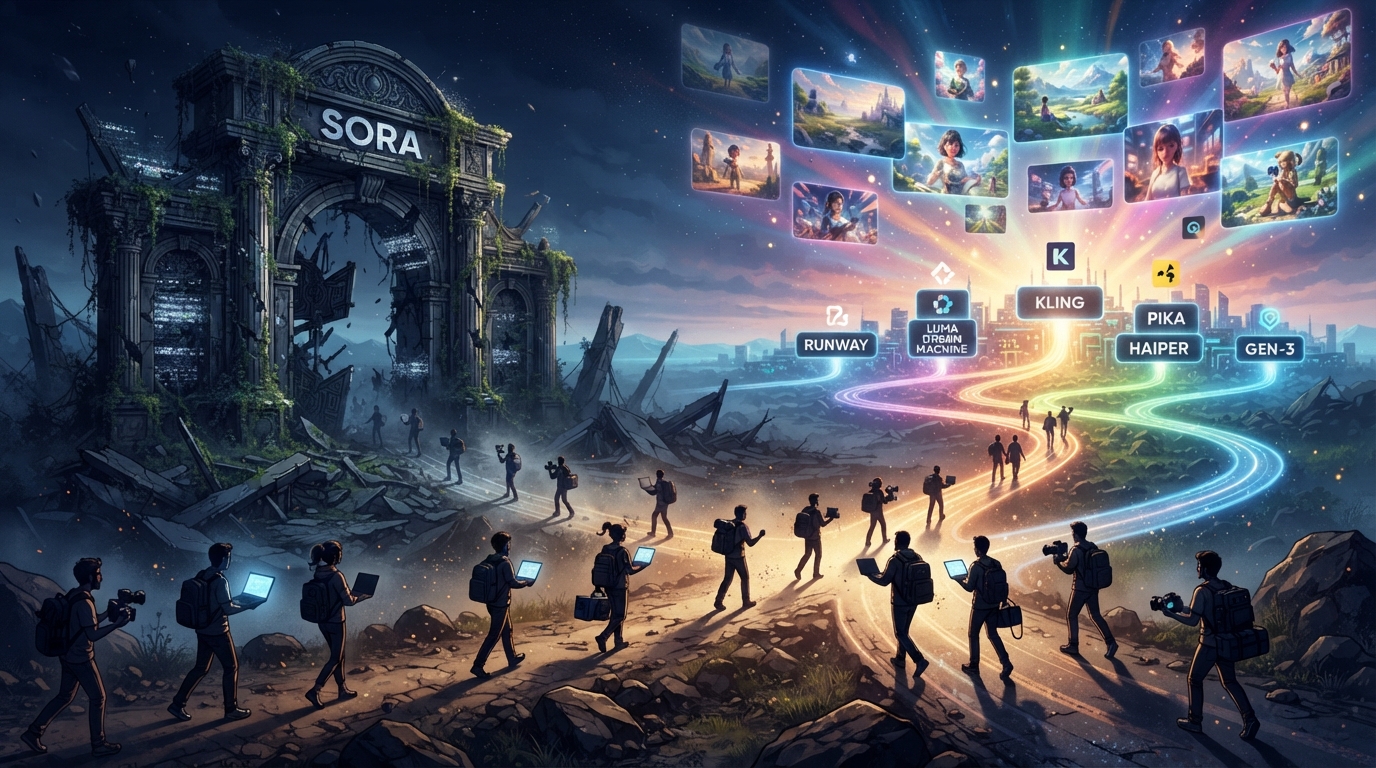
So Sora 2 is gone. If you’ve been searching for a Sora 2 alternative since OpenAI pulled the plug back in March, you’re clearly not the only one — the search volume around this has been climbing for months, and honestly, it makes sense. People built entire workflows around that tool. Then one day it just… wasn’t there anymore.
I’m not going to spend this whole post eulogizing Sora 2. What I want to actually get into is what creators are using now that it’s off the table, because “just pick a random tool” isn’t advice, it’s a shrug. After testing a handful of options over the past few weeks — including a side-by-side test similar to our MiniMax H3 vs Kling AI 3.0 comparison — PixVerse is the one I keep coming back to, and not because it’s the flashiest name out there.
Table of Contents
Wait, What Actually Happened to Sora 2?
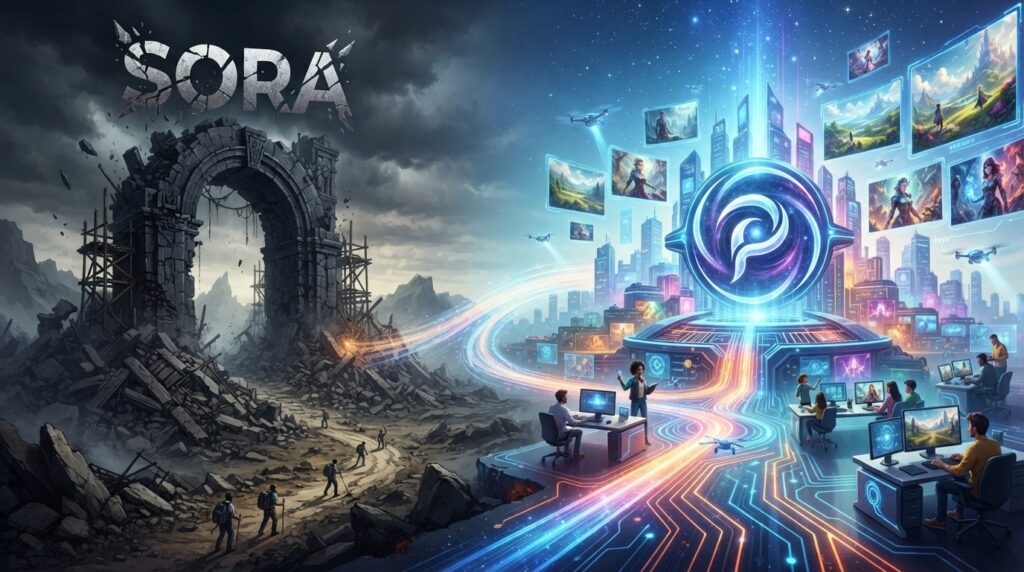
Quick recap for anyone who missed it: Sora 2 went offline in March 2026, and OpenAI’s own Sora page hasn’t pointed back to it since.
OpenAI never gave a super detailed public breakdown of why, and honestly the exact reasons don’t matter much at this point. What matters is that a lot of people had projects, client work, and content pipelines built around it, and suddenly needed a plan B.
That’s the gap PixVerse has been filling. Not perfectly — no tool does everything — but well enough that it’s become the default answer whenever someone asks “okay so what do I use now.”
Why PixVerse Keeps Coming Up as the Sora 2 Alternative
A few things pushed PixVerse ahead of the other names I tried:
It’s not just text-to-video. You can go text-to-video, image-to-video, or feed it a reference clip and have it work from that. If you’re used to Sora’s flexibility, this feels closer to home than most of the competition.
The audio is actually built in. This was the part that surprised me. A lot of tools still treat sound as an afterthought — generate the clip, then go slap music on it separately. PixVerse’s newer model generates native audio that’s timed to what’s happening on screen, so a rain scene actually sounds like rain instead of stock foley you dropped in later.
Multi-shot sequences hold together. With the V6 model, character faces and expressions stay consistent across cuts, which used to be the single most annoying problem in AI video. You’d get a great single shot and then the next one would give your character a completely different face. That’s mostly solved now.
There’s a real free tier. You’re not locked out immediately if you’re just testing the waters, which matters if you’re coming from a tool you already lost once.
Sora 2 vs PixVerse: The Quick Version
Here’s the Sora 2 alternative comparison in table form:
| Sora 2 | PixVerse (V6) | |
|---|---|---|
| Status | Offline since March 2026 | Active, regularly updated |
| Input types | Text, image | Text, image, reference video |
| Native audio | Yes | Yes |
| Multi-character consistency | Was strong | Strong, improved in V6 |
| Free tier | N/A now | Yes |
Nobody’s claiming this is a perfect one-to-one replacement. It’s not. But it covers the core reasons people liked Sora 2 in the first place, and it’s actually still here.
Getting Started With Your Sora 2 Alternative”
If you’re coming from Sora 2, don’t try to rebuild your exact old workflow on day one. Start small:
- Pick one short scene idea — five to ten seconds, nothing ambitious yet.
- Try it as text-to-video first, just to get a feel for how the model interprets prompts.
- Then try the same idea as image-to-video using a reference photo. You’ll notice the difference in control almost immediately.
- Once you’re comfortable, push into multi-shot sequences with the Canvas workspace, which is built specifically for stringing scenes together instead of generating one clip at a time. If you want a slower walkthrough of the basics first, our PixVerse tutorial covers the setup step by step.
So, Is It Worth Switching?
If you were a heavy Sora 2 user, yes — at least worth the test. It won’t feel identical, and there’s a small learning curve around the prompt style. But the fact that it’s actively maintained, keeps shipping updates, and doesn’t leave you stranded is honestly worth more right now than chasing the “best” model on paper.
Sora 2 isn’t coming back anytime soon. PixVerse is here, it works, and it’s not going anywhere. That’s a pretty easy call.